If you are running an Android app and relying solely on Google Play for distribution, you are operating under a set of constraints that directly cut into your revenue, slow your launch speed, and leave your users unreachable the moment they uninstall. The rules have tightened, the 30% cut remains non-negotiable, and the risk of a policy-driven takedown is higher than ever.
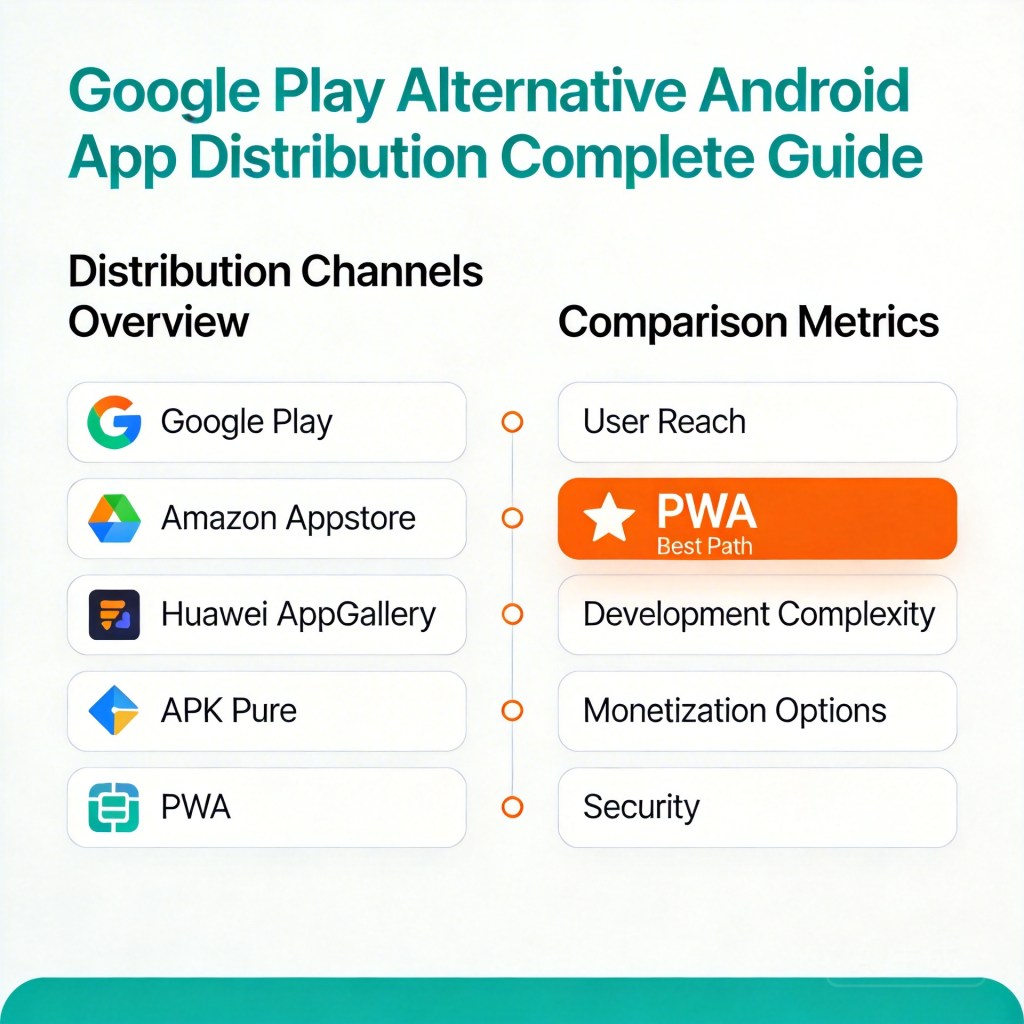
This guide breaks down every serious Google Play alternative for Android app distribution — APK sideloading, third-party stores, and Progressive Web Apps (PWA) — and gives you a clear framework for deciding which path fits your team.
→ Want to bypass Google Play entirely? See how ROiBest PWA works — no submission, no cut, 1.2x installs.
Why More Android Teams Are Moving Away from Google Play
Google Play processed over 2.5 million apps in 2024. Of those, policy enforcement actions — removals, suspensions, and forced update requirements — affected hundreds of thousands of apps and developers. The platform has become simultaneously the largest distribution channel and one of the most unpredictable gatekeepers in the mobile ecosystem.
Several structural pressures are pushing experienced teams to look elsewhere:
- Policy volatility: Categories including gaming, AI social, and financial apps have faced repeated policy shifts. A rule change can ground your app overnight with no advance notice and no guaranteed reinstatement timeline.
- 30% revenue share: Google Play takes 30% of all in-app purchases and subscriptions (15% for the first $1M/year under the reduced fee program). For apps with strong monetization, this is a structural profit ceiling.
- Review delays: New apps typically wait 3–7 days for initial review. Updates can take 1–3 days. For teams running live operations, promotions, or rapid A/B tests, this cadence is a bottleneck.
- Post-uninstall silence: Once a user uninstalls your app from Google Play, you lose all push notification access. Re-engagement is only possible through paid re-targeting.
These are not edge-case problems. They are structural features of the Play Store model that every serious team eventually hits.
The pattern is especially visible in three verticals. In mobile gaming, Google Play’s in-app purchase (IAP) restrictions have forced developers to route all transaction revenue through Google Play Billing — a requirement that courts in multiple countries have challenged but that remains the de facto reality for most publishers. In AI social applications, the content review bar has moved repeatedly, leaving developers uncertain about what will pass review on a given day and what will not. In subscription software, developers who found ways to offer web-based subscription paths — avoiding the 30% cut — have faced app removals for circumventing Play Store billing policies.
None of these are hypothetical risks. They are lived experiences for large numbers of active development teams. The question is not whether Google Play presents structural disadvantages — it clearly does — but what viable alternatives exist and how to evaluate them against your specific distribution needs.
The True Cost of Google Play Distribution
Most teams undercount the total cost of Google Play distribution by focusing only on the headline 30% cut. A fuller accounting looks like this:
- Revenue share: 30% on all qualifying in-app purchases. On $100K/month in app revenue, that is $30K gone before you pay a single employee.
- Review overhead: Each update submission requires internal QA, submission preparation, and waiting time. For teams pushing 2–4 updates per month, this easily costs 10–15 engineering hours per month plus opportunity cost from delayed features.
- Takedown risk: Apps in high-risk categories (gaming, AI social, subscription finance) face meaningful probability of policy action. A single removal event can cost days or weeks of re-submission work, lost install momentum, and degraded store ranking.
- User acquisition leakage: The install funnel on Google Play involves navigating the Play Store UI, agreeing to permissions, and waiting for a download — all friction points that reduce conversion from ad click to install. Every percentage point of conversion lost represents real media spend wasted.
When you total these costs — revenue share, operational overhead, risk exposure, and conversion leakage — the actual cost of Google Play distribution is significantly higher than 30%.
Let’s illustrate with a concrete example. Take a mid-scale mobile game with $300K/month in in-app purchase revenue, two major updates per month, and a paid UA budget of $150K/month routed through Google Ads:
- Google Play revenue share: $90K/month (30%)
- Engineering overhead for update submissions (15 hours × $80/hr blended): ~$1,200/month
- Delayed feature go-live (average 2-day delay, 2 updates/month) — opportunity cost varies but is real
- Paid UA conversion leakage: if Play Store install funnel is 15% less efficient than a direct install page, on $150K spend that represents $22,500 in wasted media spend per month
Total incremental cost above a zero-friction distribution model: over $110K/month. Annualized, that exceeds $1.3M per year — for a game with $3.6M in annual IAP revenue. The actual platform cost is closer to 33–35% when fully loaded, not 30%.
This is the calculation that motivates serious distribution strategy work. And it is why Google Play alternatives have moved from “interesting experiment” to “operational priority” for teams at scale.
Android Distribution Alternatives: A Comparison
There are three practical alternatives to Google Play distribution for Android apps. Each has a distinct profile of cost, reach, control, and risk.
1. APK Sideloading
Direct APK distribution allows users to download and install your app file without going through any store. You host the APK, users enable “install from unknown sources,” and install directly.
Pros: No fees, no review process, full control over the binary.
Cons: User friction is high — the “unknown sources” warning creates trust hesitation. Distribution reach is limited to channels where you can drive direct downloads (your own website, social, email). No built-in discovery mechanism.
2. Third-Party Android Stores
Stores like Samsung Galaxy Store, Huawei AppGallery, Aptoide, and regional platforms (Xiaomi GetApps, etc.) offer an alternative store listing. Some markets — particularly China — have a strong third-party store ecosystem.
Pros: Lower fees than Google Play in some cases; access to device-specific audiences.
Cons: Each store requires separate submission and maintenance. Policy environments vary. Aggregate reach outside of specific regions is limited. You still face review queues and policy risk.
3. Progressive Web App (PWA)
A PWA is a web application that users install directly to their Android home screen through the browser — no app store required. It behaves like a native app: it launches full-screen, works offline, and supports push notifications.
Pros: No store submission or review. No revenue share. Users install in one tap from your landing page. Push notifications work even after the user removes the PWA from their home screen. Install conversion rates run approximately 1.2x higher than native app downloads because there is no package download wait.
Cons: Access to certain device hardware APIs is more limited than native. App store discovery (organic search within Play Store) is not available.
Why PWA Is the Strongest Google Play Alternative for Most Teams
For teams focused on user acquisition economics and monetization retention, PWA delivers the best combination of metrics:
- Zero platform fees: 100% of in-app revenue is yours. No 30% cut, no minimum thresholds, no per-transaction fees to the distribution platform.
- Instant launch: No submission queue. You can push a new version live in minutes. For teams running time-sensitive campaigns or rapid iteration, this is a significant operational advantage.
- Higher install conversion: Because a PWA installs instantly from a browser tap — no large APK download, no permission screen — conversion from ad click to installed session is measurably higher. ROiBest clients see approximately 1.2x the install conversion of equivalent native app campaigns.
- Post-uninstall push: PWA push notifications are delivered through the browser engine (Chrome on Android). Even if the user removes your PWA icon from their home screen, push delivery can continue — a re-engagement channel that native apps lose entirely on uninstall.
- No policy risk: PWA distribution operates on open web protocols. There is no platform operator who can remove your app for policy violations. Your distribution is as resilient as your domain.
See also: Android PWA Add to Home Screen: Complete Setup Guide for 2026 for a user-facing overview of how the PWA install experience works.
Which App Types Benefit Most (and Least) from PWA Distribution
Best fits for PWA:
- Mobile games with in-app purchases: BC (battle/competition) games, casual games, and mid-core games with purchase monetization benefit enormously from eliminating the 30% cut. A game doing $500K/month in purchases saves $150K/month in platform fees alone.
- AI social and companion apps: This category faces the highest policy risk on Google Play — review requirements are strict and shifting. PWA distribution removes this exposure entirely.
- Subscription apps: Any app with recurring subscription revenue benefits from retaining the full subscription value rather than routing it through Google Play Billing.
- Teams running Google Ads UAC or PMAX campaigns: Higher install conversion means lower effective cost-per-install on the same media spend.
Cases where PWA may not be sufficient alone:
- Apps requiring deep hardware integration (Bluetooth peripherals, advanced camera APIs, NFC payment)
- Apps where Google Play organic discovery is a significant acquisition channel
- Utility apps where users specifically search the Play Store
For most apps, PWA can serve as a primary or major secondary distribution channel while native remains available for Play Store presence.
Understanding the PWA Install Experience on Android
One of the most common objections to PWA distribution is user experience concern: “Will users actually install something that doesn’t come from the Play Store?” The answer is more clearly yes than most teams expect — and the data bears this out.
On Android, when a user visits a PWA-enabled web page, Chrome (and other Chromium-based browsers) automatically detects the app’s installability and surfaces an “Add to Home Screen” prompt. The experience from the user’s perspective is:
- User clicks your ad or link and lands on your PWA landing page
- A banner or button appears: “Add [App Name] to Home Screen”
- User taps the button — the app icon appears on their home screen within seconds
- They tap the icon — the app opens in full-screen mode, no browser chrome visible
Compare this to the Google Play install flow: ad click → Play Store page load → scroll through screenshots and reviews → tap Install → wait for APK download (which can range from seconds to minutes depending on app size) → app opens. Each transition in this chain has dropout. The PWA flow eliminates most of those steps.
The 1.2x install conversion advantage that ROiBest observes in client data is not just about speed — it is about reducing the cognitive and procedural burden on the user at the moment they are most likely to convert. A user who clicked your ad is already motivated. The Play Store funnel introduces friction at exactly the wrong moment.
Push notifications on Android PWAs work through the same browser notification system as native apps — users can accept or decline a push permission prompt, and accepted permissions remain active even if the user later removes the PWA icon from their home screen. This is a unique structural advantage: it means your messaging channel to a user does not vanish when they stop using your app actively. For re-engagement and retention campaigns, this is a significant lever.
See also: Android PWA Add to Home Screen: Complete Setup Guide for 2026 — detailed walkthrough of the PWA installation experience from the user’s perspective.
The Complete Path to Replacing Google Play with ROiBest
The operational path from Google Play dependency to PWA distribution involves three phases:
Phase 1 — Distribution assessment: Map your current install funnel. Identify what percentage of installs come from Google Play organic vs. paid channels vs. direct. For paid channels, PWA conversion uplift is immediately applicable.
Phase 2 — PWA deployment: ROiBest handles the complete technical build — wrapping your existing app experience into a PWA, configuring the install prompt, setting up push notification infrastructure, and connecting your payment and analytics stack. You do not need to rebuild your app. The process takes days, not months.
Phase 3 — Channel migration: Redirect your paid user acquisition (Google Ads, Meta, TikTok) to the PWA landing page. Track install conversion, session depth, and revenue per install. Most teams see improved unit economics within the first campaign cycle.
ROiBest has deployed this path for gaming BC teams, AI social apps, and subscription products. The combination of zero platform fees, higher install conversion, and post-uninstall push access consistently improves the economics of app distribution.
Making the Case Internally: How to Present PWA to Your Team
For many teams, the analytical case for PWA is clear once you run the numbers — but getting organizational buy-in requires translating that analysis into a framing that resonates with different stakeholders. Here is how the argument lands for different roles:
For the CFO / business lead: The 30% platform fee is not a cost of doing business — it is a choice. Every dollar currently paid to Google Play Billing could remain in your revenue line. At $500K/month IAP revenue, that is $150K/month, $1.8M/year, recoverable immediately upon switching the monetization channel. The payback period on any investment in PWA distribution infrastructure is typically measured in weeks, not quarters.
For the growth/UA lead: Your paid acquisition budget is currently working at reduced efficiency because the Google Play install funnel leaks users at multiple steps. PWA eliminates those steps. On a $200K/month media budget, a 15% improvement in install conversion rate is equivalent to finding $30K/month of free media spend. The ROI case does not require that PWA converts at 1.2x — it only requires that it converts better than Play Store, which the evidence consistently supports.
For the product/engineering lead: Deploy on your schedule, not Google’s. Push a fix or a feature live in minutes rather than waiting 48 hours for review clearance. The ability to respond to live issues in real time — whether that is a payment flow bug, a UI problem surfaced by user feedback, or a content update tied to a marketing campaign — is an operational advantage that compounds over time.
For the ops/risk lead: A PWA distribution channel means you have a business continuity path. If Google Play takes enforcement action against your app — fairly or not — your distribution does not go to zero. Users who have your PWA installed continue to have access. You can continue acquiring new users through your paid channels while any appeal or re-submission process runs in parallel. This is not a theoretical risk hedge; for apps in policy-sensitive categories, it is close to operational necessity.
Common Questions About Leaving Google Play
Will users actually install a PWA? Yes. The modern Android browser install experience is a single tap — users see a clear “Add to Home Screen” prompt with your app icon. The friction is lower than a Play Store install, not higher. Conversion data confirms this.
What about iOS users? PWA is an Android-first strategy — this is where the economics case is strongest (Google Play fees, Android’s open install model). iOS PWA capability is more limited. For iOS, App Store distribution typically remains the right choice. Many teams run PWA for Android + App Store for iOS as a hybrid model.
How do payments work without Google Play Billing? PWA apps process payments through standard web payment infrastructure — the same systems used by any e-commerce site. Stripe, PayPal, and regional payment providers integrate directly. You keep 100% of transaction value minus processor fees (typically 2–3%), compared to Google Play’s 30%.
Is the distribution truly unrestricted? Yes. Your PWA lives on your domain. Distribution is governed by your hosting arrangement and domain ownership — not by any platform operator’s policies.
See also: ROiBest and PhotonPay partnership — enabling global payment solutions for PWA-distributed apps.
What does the migration actually look like in practice? For most teams, the migration is incremental rather than a hard cutover. The typical pattern: deploy PWA alongside your existing native app → run a paid UA split test routing 20–30% of traffic to the PWA landing page vs. the Play Store listing → measure install conversion rate, session depth, and day-7 retention → if metrics support it (they typically do), gradually increase PWA traffic share while maintaining Play Store listing for organic discovery. This approach carries minimal risk and generates clear, actionable data within a single campaign cycle.
Does PWA work across all Android devices? PWA installation via Chrome works on Android 5.0 and above, which covers essentially all active Android devices in 2026. Samsung Internet, Firefox for Android, and other Chromium-based browsers on Android also support PWA installation. The experience is most consistent on Chrome, which accounts for the majority of Android browser usage globally.
Related Articles
- Android PWA Add to Home Screen: Complete Setup Guide for 2026
- Android PWA 添加到主屏幕:2026 完整配置与优化指南
- ROiBest 与 PhotonPay 达成合作,助力全球展业
Skip the app store. Go live instantly, keep 100% of your revenue.
ROiBest helps Android app teams launch PWAs — no review process, no 30% Google Play cut, and push notifications that work even after uninstall. Teams see up to 1.2x higher install conversion rates vs native app downloads.
 WebApp中文站
留下评论