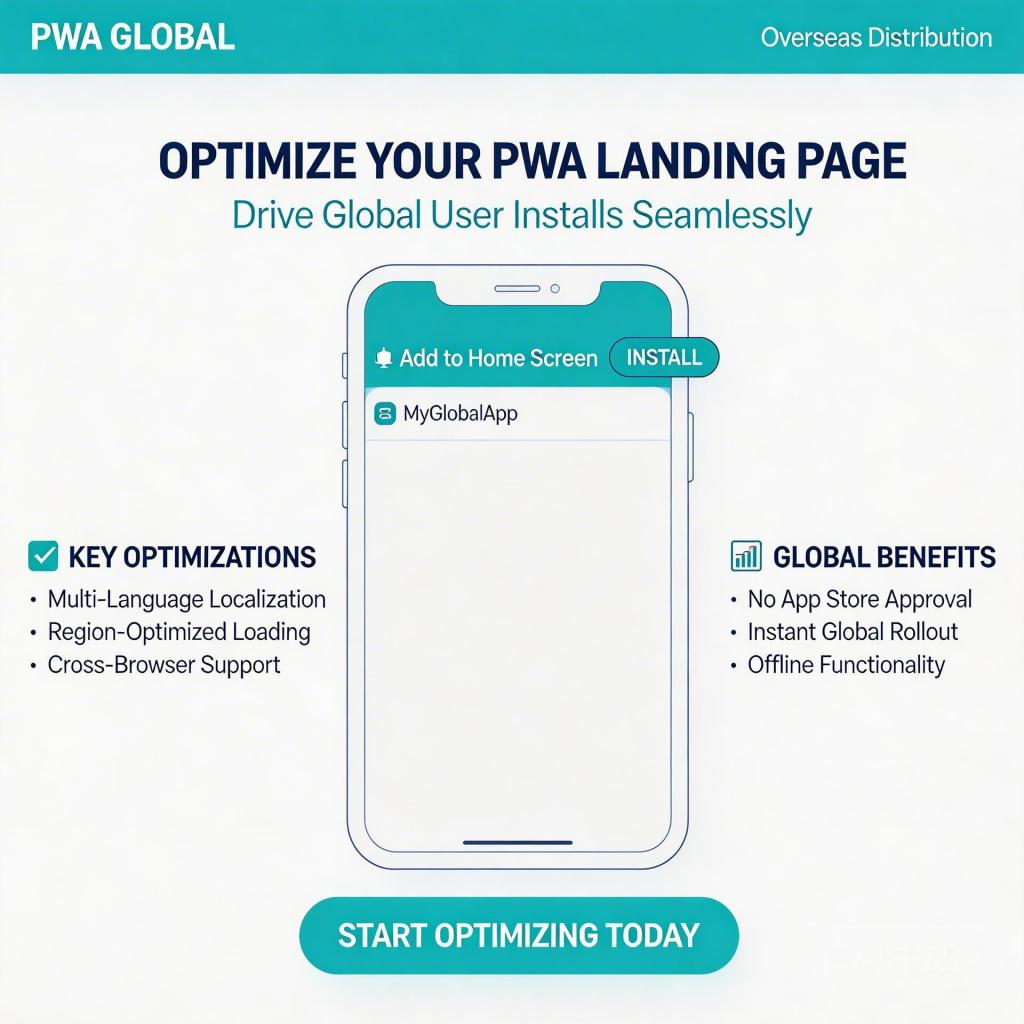
Every dollar you spend on paid traffic hits a decision point the moment someone lands on your app page. If your landing page can’t convert, you’re paying Google or Meta to send people into a leaky bucket. This guide covers how to optimize your PWA landing page to turn paid traffic into installs — without rebuilding your app or fighting the app store queue.
→ Want to bypass Google Play entirely? See how ROiBest PWA works — no submission, no cut, 1.2x installs.
Why PWA Landing Page Optimization Matters More Than You Think
For teams distributing Android apps overseas, the landing page isn’t just a marketing asset — it is the install funnel. Unlike Google Play where users can compare ratings, screenshots, and social proof inside the store UI, a PWA install lives entirely on your page. If the experience fails, users bounce. There’s no second chance from the store listing.
Data from teams running PWA distribution campaigns shows that install drop-off rates between ad click and home screen add range from 40–70%, with most of the loss happening in three places: page load time, unclear install prompt, and weak trust signals. Fix these three, and you recover a meaningful portion of the paid traffic you’re already buying.
Step 1: Speed as a Conversion Lever
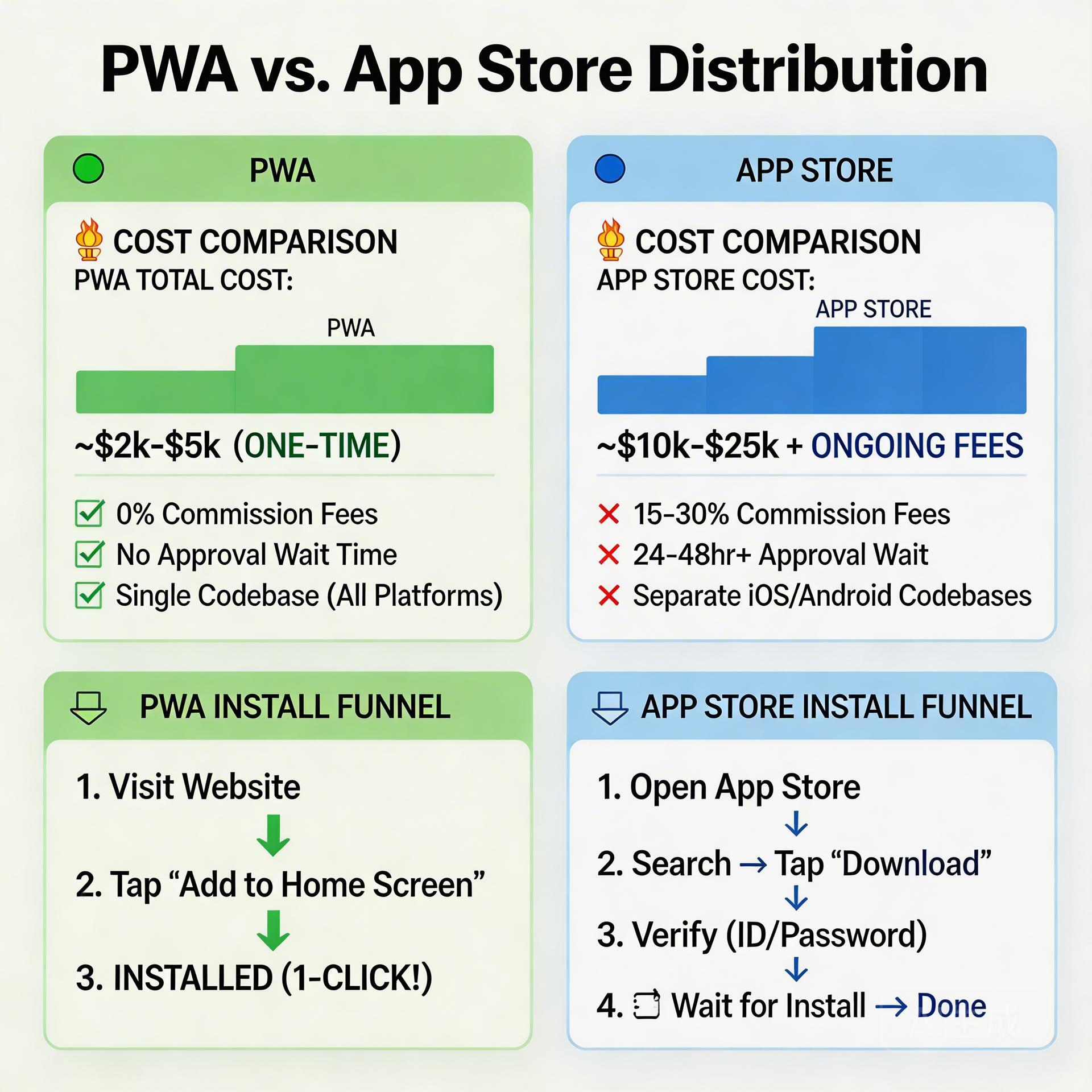
The single strongest predictor of PWA install conversion is load speed. According to Google’s own research, 53% of mobile users abandon a page that takes more than 3 seconds to load. For overseas users on 4G connections (Southeast Asia, LATAM, MENA), this is even more critical.
Practical actions to take:
- Compress hero assets aggressively. Your above-the-fold image should be under 80KB. Use WebP format instead of PNG/JPG. A game screenshot at 1080px width compressed to WebP typically drops from 300KB to under 60KB with no visible quality loss.
- Defer non-critical scripts. Analytics pixels, chat widgets, and third-party tracking should load after the install prompt is visible. Don’t block the main thread.
- Use a CDN with regional PoPs. If your server is in Singapore but 60% of your traffic comes from Indonesia or Brazil, a CDN with local edge nodes cuts TTFB (Time to First Byte) from 400ms to under 100ms.
Benchmark target: LCP (Largest Contentful Paint) under 2.5 seconds on a simulated 4G connection in Google PageSpeed Insights.
Step 2: The Install Prompt — Timing and Copy
The “Add to Home Screen” prompt is the moment of truth. Most teams make one of two mistakes: showing it too early (before the user has any context) or burying it so deep that users never see it.
Three steps to get this right:
- Delay the prompt by 8–12 seconds or one meaningful interaction. Let users see the app’s value before asking them to commit. A user who has scrolled past the first screen and tapped on a screenshot is 3x more likely to install than a first-view visitor.
- Write copy that answers “what’s in it for me.” “Add to Home Screen” is a technical instruction. Instead, use: “Install [App Name] — Free, No App Store Needed.” Lead with the benefit, not the action.
- Create a persistent install trigger. After a user dismisses the native prompt, they may still want to install later. Add a sticky bottom bar or floating button that re-surfaces the install action with a secondary trigger. Teams that do this recover 15–25% of dismissed installs.
Step 3: Trust Signals that Work for Overseas Users
Overseas users converting from paid traffic are often first-time visitors with zero prior brand exposure. Your landing page needs to establish trust in under 10 seconds. Generic “5 stars from 1000 users” badges don’t work here.
What does work:
- Specific, verifiable numbers. “2.4 million players in 6 months” outperforms “millions of happy users.” Specificity implies authenticity.
- Localized social proof. Show reviews in the target language. An Indonesian user trusts a review in Bahasa Indonesia more than an English one. Even a simple translation of 3–5 real reviews adds significant trust.
- Visual gameplay or UI previews. For games, 6-second autoplay video clips of actual gameplay outperform static screenshots by 2–3x for install intent. Keep them muted by default — most users are in public or without headphones.
- Clear “No App Store” framing. Overseas users who have been burned by app stores are increasingly receptive to “install directly” messaging. State explicitly: “No Google Play required. Installs directly to your phone.”
Internal reference: PWA Push Notifications After Uninstall: Game Retention Guide — how to re-engage users who installed but churned.
Step 4: Funnel Analytics — Know Where You’re Losing Users
You can’t optimize what you don’t measure. Most teams track clicks from their ad platform, but don’t instrument the landing page itself. Set up these three events in GA4 or your analytics tool of choice:
- Page load (session start) — baseline denominator
- Install prompt shown — measures how many users make it to the moment of truth
- Install completed (appinstalled event) — your true conversion event
Calculate two key ratios: Landing → Prompt shown rate (should be above 70% with good speed and UX), and Prompt shown → Install rate (benchmark: 25–40% for well-optimized pages).
If your Landing → Prompt rate is low, you have a speed or early-bounce problem. If your Prompt → Install rate is low, you have a trust or copy problem. These diagnose different fixes.
Internal reference: Google Play Alternative: Android App Distribution Guide — choosing the right distribution path for your app type.
Quick Checklist: PWA Landing Page Optimization
- ✅ LCP under 2.5s on simulated 4G
- ✅ Hero image compressed to WebP, under 80KB
- ✅ Install prompt delayed 8–12s or until interaction
- ✅ Install prompt copy leads with benefit, not action
- ✅ Secondary install trigger after first prompt dismissal
- ✅ Localized reviews in target-market language
- ✅ “No Google Play required” framing visible above fold
- ✅ GA4 tracking on prompt-shown and appinstalled events
Skip the app store. Go live instantly, keep 100% of your revenue.
ROiBest helps Android app teams launch PWAs — no review process, no 30% Google Play cut, and push notifications that work even after uninstall. Teams see up to 1.2x higher install conversion rates vs native app downloads.
 WebApp中文站
留下评论