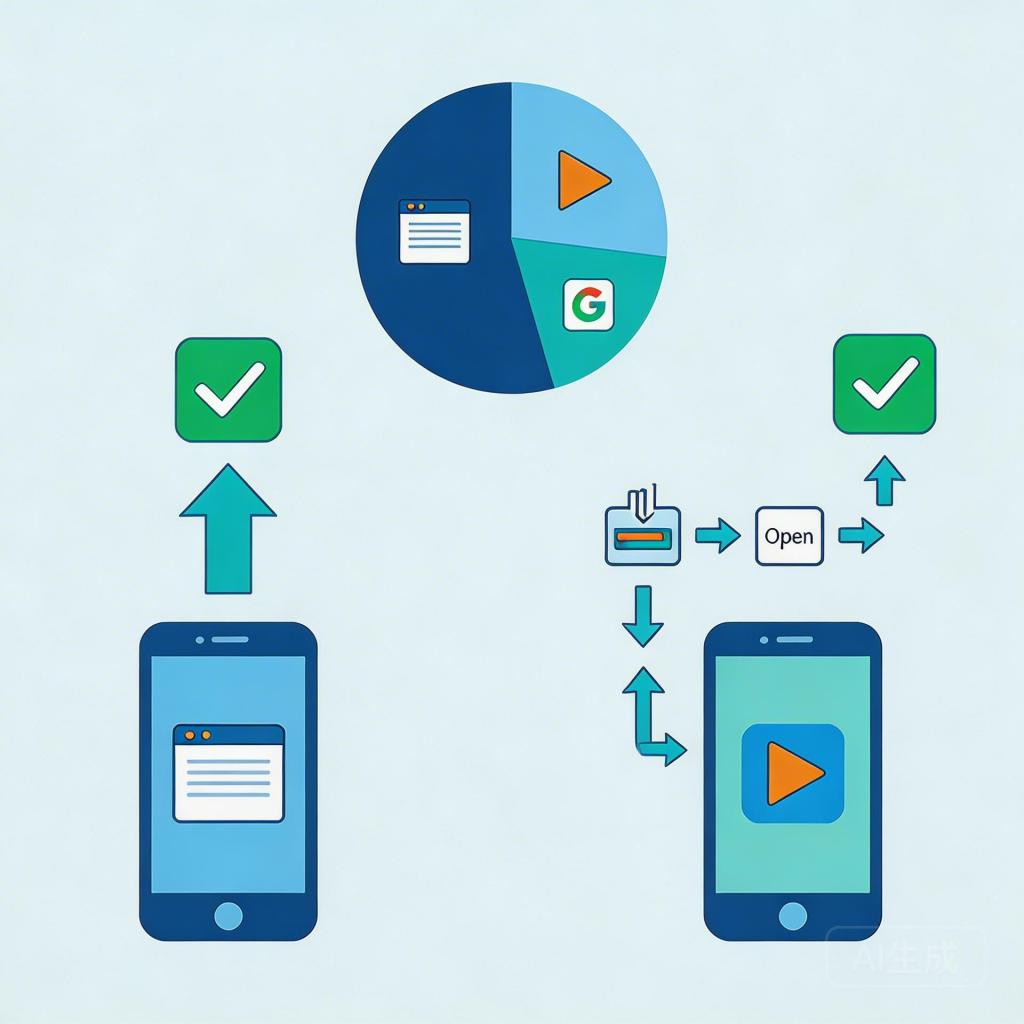
Google Performance Max’s 2026 channel timeline update has given app marketing teams an unprecedented view of where their budget actually goes — and the data is clear: as PMax scales, 40–60% of budget flows to Display, YouTube, and Gmail channels where install conversion rates are 3–5x lower than Search. For Android app teams still using Google Play as their install destination, this budget distribution pattern is a structural CPI problem.
The fix isn’t in the bid strategy or the creative. It’s in the landing page — specifically, replacing Play Store redirects with PWA install pages on the channels where intent is lower and friction matters most.
→ Want to bypass Google Play entirely? See how ROiBest PWA works — no submission, no cut, 1.2x installs.
The PMax Budget Distribution Problem for Android Apps
PMax’s AI optimizes for conversions across all of Google’s inventory simultaneously. For Android app install campaigns, the channel timeline (visible in Google Ads since early 2026) shows a consistent pattern:
- Learning phase (weeks 1–3): Search-heavy allocation, CVR 4–7%, CPI low
- Scaling phase (weeks 4–8): Budget shifts to Display/YouTube/Gmail, CVR drops to 1–2%, CPI rises
- Mature phase: Broad channels consume majority of budget, overall CVR averages down significantly
This is not a Google problem — it’s the expected behavior of a system optimizing for reach at scale. The issue is that most teams don’t differentiate their install experience by channel type. Sending Display traffic (low intent, interruption-based) and Search traffic (high intent, query-triggered) to the same Google Play page is the root cause of rising CPI as campaigns scale.
Why PWA Distribution Solves the Budget Efficiency Problem
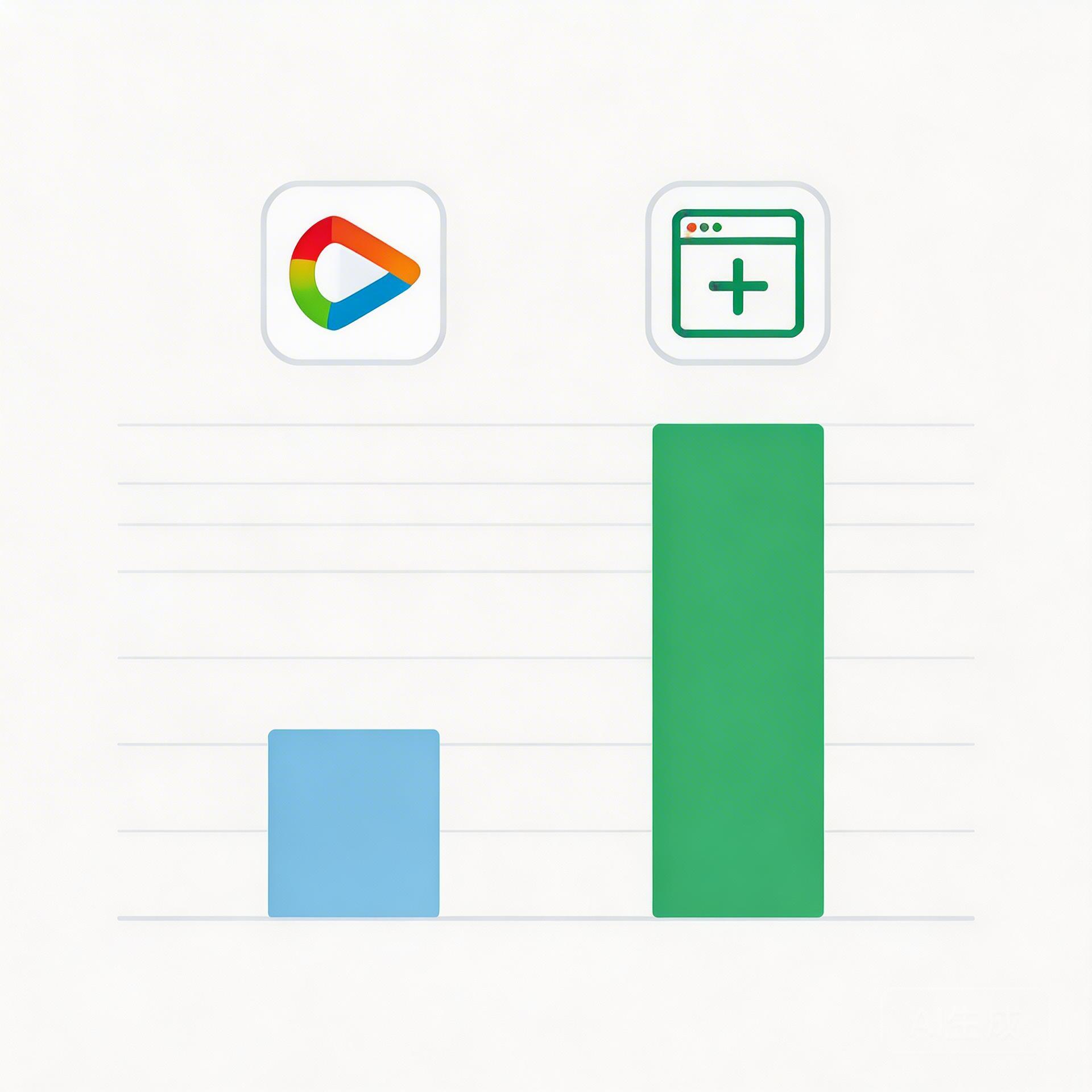
PWA (Progressive Web App) distribution offers a fundamentally different install path compared to Google Play. When the landing page is a PWA install page rather than a Play Store redirect, the user experience changes dramatically:
Play Store path: Ad click → App store opens (3–5 seconds) → Listing page loads → User evaluates (competitors visible) → Install button → Permission dialog → Download wait → Icon appears
PWA path: Ad click → Web page loads (under 1.5 seconds) → Hero + value prop visible → “Add to Home Screen” prompt → Single tap → Icon appears
For high-intent Search traffic, both paths work adequately — the user’s motivation carries them through Play Store friction. For low-intent Display and YouTube traffic, the Play Store path loses 60–70% of clicks before the install button. PWA’s frictionless install is specifically designed for this traffic profile.
The result: PWA install pages consistently deliver 1.2x higher install conversion rates compared to equivalent Play Store campaigns — with the advantage concentrated in the Display and YouTube channels where PMax increasingly allocates budget at scale.
Three Ways PWA Improves PMax Budget Efficiency
1. Eliminating the Play Store Friction Layer on Low-Intent Channels
The Play Store adds 3–4 friction steps between ad click and install completion. For a user who clicked a Display banner while reading an article, each of these steps is a potential exit point. PWA’s “Add to Home Screen” is a single-step install — the lowest possible friction path for a web-based install.
For BC game teams and AI social app teams, where the target audience includes users across a wide intent spectrum, this friction elimination directly translates to lower CPI on the 40–60% of budget that flows to broad channels.
2. Faster Page Load on Varying Network Conditions
The Google Play Store’s average mobile page load time is 4.2 seconds. A well-optimized PWA install page loads in under 1.5 seconds. For Display and YouTube traffic — where users are often on varied network conditions, not necessarily on WiFi — this load time difference accounts for 15–25% of the conversion gap between Play Store and PWA destinations.
Google’s Core Web Vitals data consistently shows that pages loading over 3 seconds lose 53% of mobile visitors before the page even fully renders. If your install destination page has a 4-second load time, you’re starting your conversion from a position that’s already lost half your potential installs.
3. Revenue Efficiency: No Google Play 30% Cut
Beyond the install conversion rate improvement, PWA distribution eliminates Google Play’s 30% revenue commission on in-app purchases. For BC games with active monetization, this is an additional 30% of in-app revenue that stays with the publisher rather than going to Google.
The combined effect of higher install CVR (1.2x) and full revenue retention (100% vs. 70%) makes the business case for PWA-first PMax campaigns particularly strong for game teams with active in-app purchase monetization.
Implementing PWA as Your PMax Distribution Strategy
Step 1: Launch Your PWA Through a Distribution Platform
The first step is having a PWA that’s ready to receive install traffic. This means a web app with proper install prompt behavior, fast load times, and push notification capability. For teams without in-house PWA development resources, platforms like ROiBest handle the technical setup — you provide the game or app, they handle the PWA infrastructure.
Step 2: Structure PMax Campaigns by Distribution Channel
Create separate PMax campaigns with different final URLs:
- High-intent campaign: PWA or Play Store (test both), strong audience signals
- Broad reach campaign: PWA install page only, broader audience signals
This separation prevents the AI from averaging CVR across destinations and lets it optimize each campaign independently.
Step 3: Set Up Install Conversion Tracking for PWA
Track the “Add to Home Screen” event as a primary conversion in GA4 and pass it back to Google Ads. Without accurate conversion signals from the PWA install event, PMax cannot optimize toward installs on your PWA destination — it will fall back to other proxy signals like page views or session starts.
Step 4: Enable Push Notifications at Install
PWA’s key retention advantage over Play Store is push notification delivery. Unlike native apps, PWA push notifications work even after the user “uninstalls” (removes from home screen) — the permission is browser-level. Set up the push notification opt-in prompt to appear immediately after the install completes while user engagement is highest.
For the complete guide on alternative distribution strategies for Android apps beyond Google Play, see our Google Play Alternative Android App Distribution Guide. For teams already running PWA campaigns and looking to optimize their install page design, Android PWA Add to Home Screen Guide 2026 covers the specific setup and UX considerations that maximize the “Add to Home Screen” completion rate.
The Numbers: PMax Budget Efficiency with PWA vs. Play Store
For a representative Android game campaign in 2026:
- Monthly PMax budget: $20,000
- 50% routed to Display/YouTube/Gmail: $10,000
- Play Store CVR on broad channels: 1.0%
- PWA CVR on broad channels: 1.8%
- Play Store: 100 installs from $10,000 broad spend (CPI: $100)
- PWA: 180 installs from $10,000 broad spend (CPI: $55.56)
That’s 80 additional installs per month from the same broad channel budget — a 44% CPI improvement on the spend that PMax’s AI naturally routes to lower-intent channels. Over 12 months, that’s 960 additional installs without increasing budget.
Summary: PWA Distribution Makes PMax Budget Work Harder
The PMax channel timeline data from 2026 makes the case clearly: when 40–60% of your budget flows to low-intent channels, the install destination matters as much as the ad itself. PWA install pages convert low-intent traffic at 1.2x the rate of Play Store redirects — and eliminate the 30% Google revenue cut in the process.
Action steps:
- ☑ Launch PWA distribution before your next PMax campaign scale-up
- ☑ Set PWA install pages as the destination for broad-channel PMax campaigns
- ☑ Track PWA install completions as primary conversions in GA4
- ☑ Enable push notification opt-in at install
- ☑ Compare CPI between Play Store and PWA destinations monthly
- ☑ Review channel timeline data to identify which channels benefit most from PWA
Skip the app store. Go live instantly, keep 100% of your revenue.
ROiBest helps Android app teams launch PWAs — no review process, no 30% Google Play cut, and push notifications that work even after uninstall. Teams see up to 1.2x higher install conversion rates vs native app downloads.
 WebApp中文站
留下评论