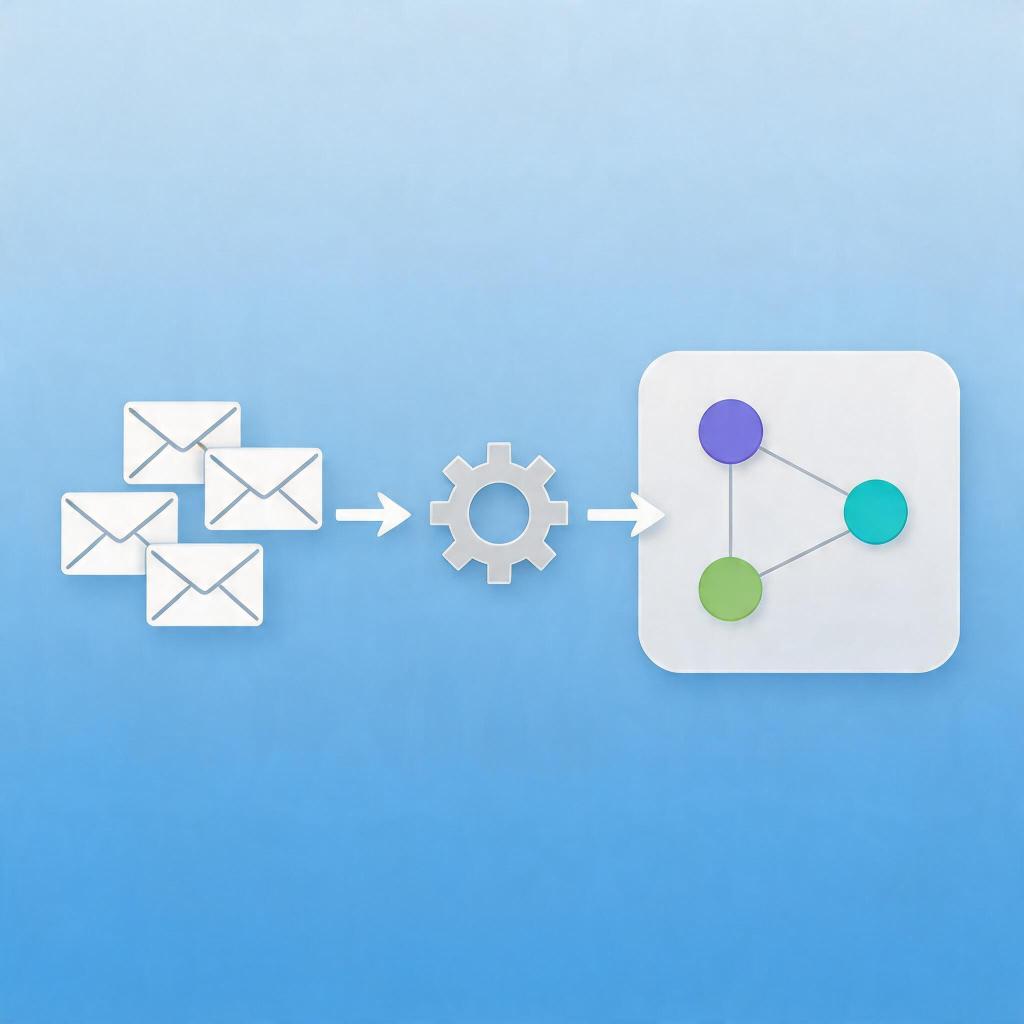
→ Want to bypass Google Play entirely? See how ROiBest PWA works — no submission, no cut, 1.2x installs.
Google has begun requiring all Customer Match migrations to move from the legacy Customer Match API to the new Data Manager API. If you’re managing Google Ads campaigns for AI social apps or mobile games distributed outside Google Play — particularly through PWA channels — this migration isn’t optional. Customer Match is one of the most powerful audience signals for lookalike targeting and re-engagement, and losing access to it mid-campaign can quietly erode your best-performing audience segments.
What the Customer Match to Data Manager API Migration Involves
Google’s Customer Match has been the backbone of custom audience targeting for years. You upload hashed email lists, and Google matches them to signed-in users across Search, Display, and YouTube. It’s precise, it’s scalable, and for AI dating apps and gaming apps with large existing user bases, it’s been irreplaceable for building lookalike audiences that perform.
The Data Manager API replaces the legacy upload mechanism with a centralized data management interface. Instead of pushing customer lists directly into Ads, you now upload them to Google’s Data Manager, define your audience rules there, and then activate them across campaigns through the Ads interface. The change sounds administrative — but it has real operational implications for how quickly you can react to campaign needs.
The migration deadline is approaching: legacy Customer Match API access is being sunset in phases, and once the window closes, unmigrated audience lists will stop refreshing. For campaigns that depend on weekly or monthly list updates — especially for re-engagement targeting — this means your audiences will start decaying while you scramble to complete the migration.
Why Game BC and AI App Advertisers Can’t Afford to Wait
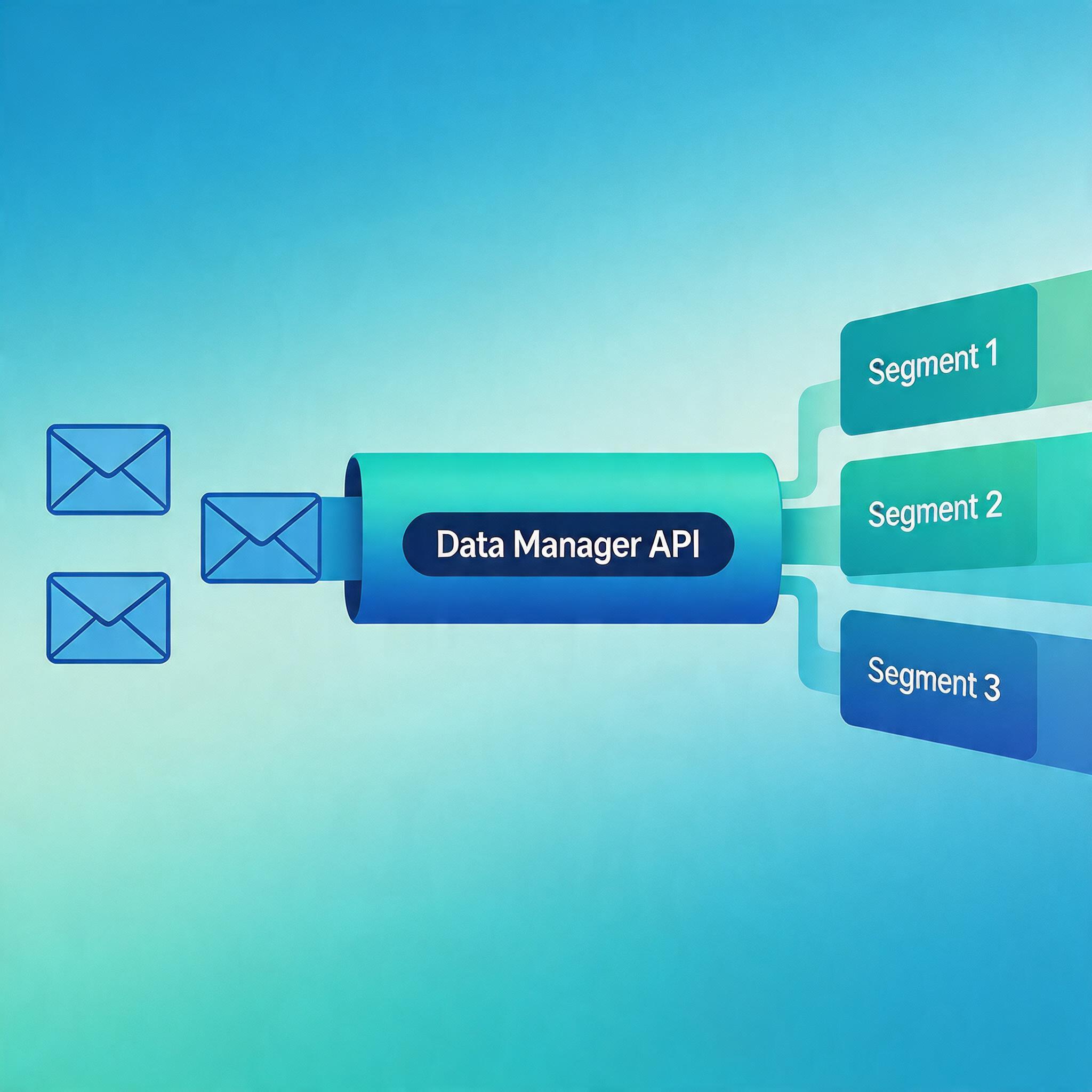
If you’re running UAC or PMax campaigns for an app that lives outside Google Play — via PWA distribution through ROiBest, for instance — Customer Match might be your single most valuable audience signal. Your existing user base, your high-value payers, your lapsed users who you want to bring back: these are the segments that Customer Match can reach with remarkable precision across Google’s inventory.
When these audiences stop refreshing, your lookalike models start training on stale data. Your re-engagement campaigns start showing ads to users who have already re-installed through other channels. The result is wasted spend, rising CPA, and campaigns that gradually lose the precision that made them effective in the first place.
For teams using PWA distribution as their primary app channel, this is particularly acute. Without Google Play as a middleman, your user data is your primary proprietary asset. Customer Match is how you activate that asset across Google’s ecosystem. Lose the ability to update your audiences, and you’re flying blind.
Step-by-Step: Completing the Customer Match Migration in 4 Steps
Step 1: Export Your Existing Customer Lists from Legacy Customer Match
Before anything else, download all your active Customer Match audience lists from the Google Ads interface. You need the raw hashed email lists — not just the audience sizes. If you’ve built custom segments on top of these lists (RLSA audiences, similar audiences, customer match-based conversion audiences), document their IDs and purposes. These will need to be recreated in Data Manager.
Step 2: Set Up Your Data Manager Organization and Upload Sources
Data Manager operates at the organization level, not the account level. If you’re managing multiple Google Ads accounts, you’ll need to set up your data sources once at the organization and then link the relevant accounts. Upload your customer email lists as a “Customer List” data source, verify your domain ownership, and let Google complete the matching process. Matching rates typically run 60–80% for well-formatted email lists.
Step 3: Recreate Audience Rules in Data Manager
In Data Manager, define your audience segments using the same logic you used in Customer Match — but now with more flexibility. You can layer in additional data sources (app events, website visitor data, YouTube engagement) if you have them linked. Build your high-value payer audience, your 30-day lapsed users, your new installer cohort — each as a distinct segment that can be activated across Google Ads.
Step 4: Link Data Manager Audiences to Your Active Campaigns
Once your segments are live in Data Manager, go back to Google Ads and link them to your campaigns. For UAC and PMax campaigns, apply your re-engagement audiences as audience signals (not targeting — you want Google to prioritize them, not restrict to them). For standard Search and Display campaigns, Customer Match audiences can now be used as bid adjustments or audience-targeted bid modifiers. Test running with and without Customer Match audience signals to quantify the impact on CPA.
After the Migration: Maximizing Your Data Manager Investment
The Data Manager API isn’t just a migration endpoint — it’s a more powerful audience platform than Customer Match ever was. Once your data is centralized, you can build cross-channel audience strategies that weren’t possible before. Link your ROiBest PWA install events as a data source, and you can now target “users who installed via PWA and spent $X in the first 7 days” across Google’s entire inventory.
This is the compounding value of getting the migration done right: the better your first-party data integration with Data Manager, the more precise and performant your Google Ads campaigns become — for PWA distributed apps and beyond.
Summary
- Google’s legacy Customer Match API is being sunset — migration to Data Manager API is required, not optional
- Unmigrated audiences will stop refreshing, causing lookalike models and re-engagement campaigns to degrade
- For PWA-distributed apps, Customer Match is often the primary audience signal across Google’s ecosystem
- Export existing lists first, then set up Data Manager, recreate audience rules, and relink to campaigns
- Data Manager enables richer audience segments than Customer Match ever did — worth investing in properly
- ROiBest can help you build a PWA data layer that feeds directly into Data Manager for precision targeting
Skip the app store. Go live instantly, keep 100% of your revenue.
ROiBest helps Android app teams launch PWAs — no review process, no 30% Google Play cut, and push notifications that work even after uninstall. Teams see up to 1.2x higher install conversion rates vs native app downloads.
 WebApp中文站
留下评论