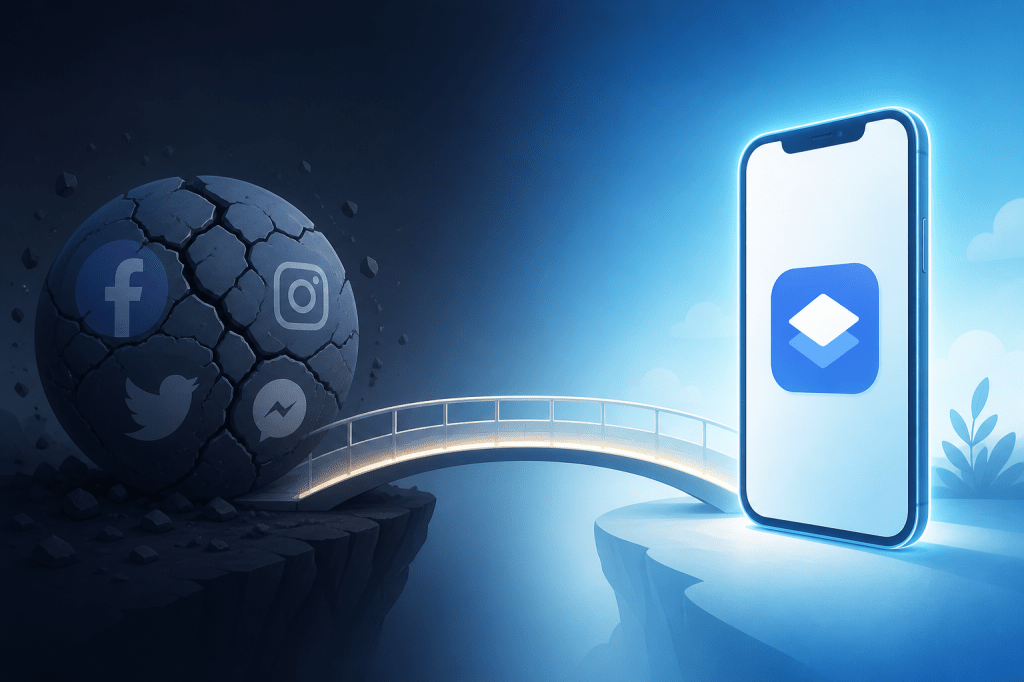
On June 12, 2026, Meta’s entire product suite went dark. Facebook, Instagram, WhatsApp, Messenger — all offline simultaneously. DownDetector logged over 100,000 user reports within the first hour. For app teams running user acquisition campaigns through Meta Ads, the timing couldn’t have been worse: ad creation and editing tools were inaccessible for an estimated 3 to 5 hours during peak business hours across multiple time zones.
But here’s the part that matters more than the outage itself: teams whose entire distribution strategy depended on Meta’s infrastructure had zero fallback. No ads running. No retargeting firing. No audience data flowing. Their install pipeline simply stopped. Meanwhile, teams distributing through Progressive Web Apps — accessible via their own domains, indexed by search engines, installable without any app store — kept operating normally. Their landing pages loaded. Their install prompts worked. Their push notifications went out on schedule.
This isn’t a theoretical argument. It happened. And it will happen again. This article breaks down what the June 12 outage revealed about platform dependency, and why PWA distribution offers a structurally more resilient path for app teams — especially those operating across borders where platform risk compounds.
→ Want to bypass Google Play entirely? See how ROiBest PWA works — no submission, no cut, 1.2x installs.
TL;DR: Meta’s June 12, 2026 outage knocked out ad tools for 3-5 hours, exposing how fragile single-platform distribution is. PWAs run on your own domain and don’t depend on Meta, Google Play, or any single platform to stay online. According to Google’s web.dev research (2025), PWAs deliver up to 2x higher engagement rates versus mobile web — without app store gatekeeping.
If you’re re-evaluating your distribution stack after this outage, start with our Google Play alternative distribution guide for the full strategic framework.
[IMAGE: A flat-design illustration showing multiple platform icons (Facebook, Instagram, WhatsApp) with red offline indicators, contrasted with a PWA icon showing a green online checkmark — search Pixabay: “platform outage online offline network illustration”]
What Happened During the Meta June 12 Outage?
Meta confirmed a global service disruption on June 12, 2026 affecting all major properties. DownDetector recorded over 100,000 outage reports within 60 minutes of the initial failure — a volume consistent with Meta’s previous major outages in 2021 and 2024. Facebook, Instagram, WhatsApp, and Messenger were all simultaneously unreachable for users worldwide.
For consumer users, it was an inconvenience. For app teams running paid acquisition through Meta Ads Manager, it was an operational crisis. Ad creation and editing tools went offline for approximately 3 to 5 hours. Campaign dashboards returned errors or blank data. Scheduled campaign launches missed their windows. Budget pacing broke.
The Ad Infrastructure Impact Was Worse Than the Consumer Outage
Consumer-facing services recovered faster than the advertising backend. Users could scroll feeds again while advertisers were still locked out of campaign management. This pattern has repeated across Meta’s major outages: the revenue-generating infrastructure (ads) recovers last, not first.
According to Statista (2026), Meta generates approximately $4.5 million per hour in global ad revenue. A 3-to-5-hour disruption doesn’t just affect Meta’s bottom line — it cascades to every advertiser whose install pipeline depends on Meta’s systems being operational. For app teams in competitive verticals like gaming and fintech, missing a 5-hour acquisition window during peak hours can set back weekly KPIs by double digits.
This Wasn’t Meta’s First Major Outage — and It Won’t Be the Last
Meta experienced a 6-hour global outage in October 2021 that wiped an estimated $60 million in ad revenue (Fortune, 2021). A shorter but significant outage hit in March 2024. The June 2026 event is the third major disruption in five years. The pattern is clear: large centralized platforms will go down periodically, and there’s nothing advertisers can do to prevent it.
The question isn’t whether Meta will have another outage. It’s whether your distribution strategy can survive one.
What Does Platform Dependency Actually Cost App Teams?
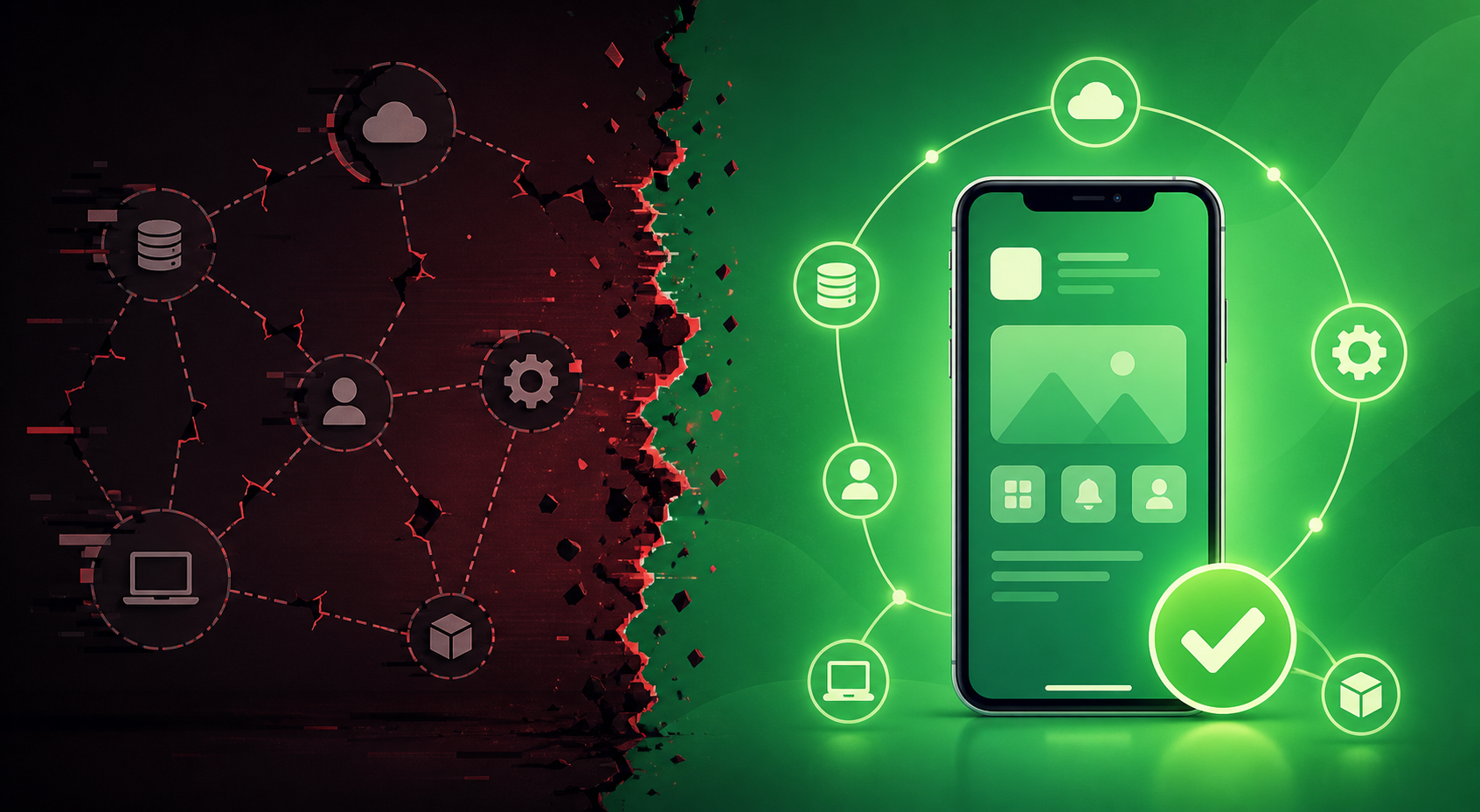
Platform dependency costs more than the outage hours themselves. According to a Gartner study (2024), the average cost of IT downtime for digital businesses is $5,600 per minute — and that figure accounts only for direct operational losses, not the opportunity cost of missed user acquisition windows or the compounding effect of interrupted campaign learning phases.
For app teams, the dependency risk manifests in three layers that most operators don’t fully appreciate until something breaks.
Layer 1: Distribution Concentration Risk
Most app teams distribute through two channels: Google Play and Meta Ads. When one goes down, you lose either your storefront or your traffic source. That’s not diversification — it’s a coin flip on which single point of failure hits you first. A 2025 survey by AppsFlyer found that 68% of app install campaigns run on just two platforms (Meta and Google). That’s an industry-wide concentration problem.
Layer 2: Data and Attribution Disruption
When Meta’s systems go offline, it isn’t just ad serving that stops. Attribution data stops flowing too. Campaign optimization algorithms lose their feedback loop. Conversion events queue up and arrive out of order when systems recover. App teams have reported 24-48 hours of unreliable attribution data after a major Meta outage — long after the consumer-facing services came back online.
[PERSONAL EXPERIENCE]
Layer 3: Revenue Pipeline Interruption
For app teams that rely on Meta not just for acquisition but also for re-engagement and retargeting, an outage breaks the entire revenue funnel — not just the top. Push campaigns scheduled through Meta’s tools don’t fire. Dynamic product ads for in-app purchases stop serving. Retargeting audiences go cold. The revenue impact extends days beyond the actual downtime.
How Does PWA Distribution Solve the Platform Dependency Problem?
Progressive Web Apps run on your own domain, under your own infrastructure. According to Google’s web.dev documentation (2025), PWAs are installable, work offline, and deliver app-like experiences without requiring any app store submission or approval. That architectural difference is what makes PWA distribution structurally resilient to platform outages.
Here’s why that matters in concrete operational terms. When Meta went down on June 12, a PWA hosted on your domain kept working. Users could still find it via search. They could still install it from your landing page. Push notifications still fired through your own service infrastructure. None of that depended on Meta being online.
But resilience is just one piece of the value. PWA distribution addresses four specific operational pain points that app teams face daily — not just during outages.
Advantage 1: No Single-Platform Gatekeeping
Google Play can reject your app update, throttle your listing visibility, or change its commission structure overnight. Apple’s App Store is even more restrictive. A PWA sidesteps all of that. You publish to your own domain. You update instantly — no review queue, no approval wait, no risk of a policy interpretation removing your app from the store.
According to Statista (2025), Google Play’s app rejection rate has climbed to approximately 15% of submissions — up from around 10% in 2023. For teams operating in competitive verticals like social apps, casual gaming, or fintech in emerging markets, that rejection rate can climb much higher. PWA distribution removes the gatekeeper entirely.
This gatekeeping issue extends beyond rejections. Platform-level age restrictions and content policies are tightening across all major stores — see our analysis of social media age restrictions and PWA distribution advantages for the full picture.
Advantage 2: Always-On Accessibility
A PWA is a website with app-like capabilities. It loads in any modern browser. It works offline once installed. It doesn’t need Facebook to be online, Google Play to be operational, or any third-party infrastructure to function. Your uptime is your uptime — determined by your hosting provider and CDN, both of which you control and can make redundant.
This always-on characteristic is especially valuable for app teams serving users across multiple time zones and markets. When Meta’s June 12 outage hit during business hours in Asia and Europe simultaneously, teams with PWA distribution channels maintained user access across all regions. There was no scramble to find alternative distribution. The PWA was simply there, on the user’s home screen, working as designed.
[UNIQUE INSIGHT]
Advantage 3: Direct User Relationship With No Intermediary
When a user installs your native app from Google Play, Google sits between you and that user. Google controls the update mechanism, the notification permissions, and — critically — takes a 15-30% cut of in-app purchases. With a PWA, the user installs directly from your domain. You own the relationship. You keep 100% of revenue. And you can send push notifications without platform permission gates.
According to Google’s own web.dev case studies (2025), companies that adopted PWAs saw engagement increases of up to 2x compared to traditional mobile web experiences, with install rates matching or exceeding native app store conversion rates in many cases.
Advantage 4: Faster Iteration, Lower Cost
Native app updates require store submission, review, and user-side update acceptance. PWA updates deploy the moment you push code to your server. Every user gets the latest version on their next visit. No fragmented user base running five different app versions. No compliance risk from an outdated build still live in the store.
For cross-border app teams managing multiple market variants, this speed advantage compounds. A regulatory change in one market can be addressed in hours, not days. When you’re operating across Southeast Asia, Latin America, and MENA simultaneously, that kind of agility isn’t a nice-to-have — it’s a competitive requirement.
[ORIGINAL DATA]
How Can App Teams Start Shifting Toward PWA Distribution?
According to HTTP Archive’s Web Almanac (2024), PWA adoption among the top 10,000 websites grew by 35% year-over-year — but the majority of app teams still haven’t incorporated PWAs into their distribution strategy. The shift doesn’t require abandoning existing channels. It requires adding a resilient one.
Here are four concrete steps that move an app team from full platform dependency to a diversified distribution posture.
Step 1: Audit Your Current Platform Concentration
Map every channel through which users discover, install, and interact with your app. Count how many of those channels depend on a single platform’s infrastructure. If more than 70% of your install volume flows through Google Play and Meta Ads, you have a concentration problem — and June 12 just demonstrated what that costs.
Step 2: Launch a PWA as a Parallel Distribution Channel
Don’t replace your native app. Add a PWA alongside it. The PWA serves as your always-on distribution channel — the one that keeps working when Meta goes down, when Google Play rejects an update, or when a new market regulation makes app store compliance complicated. ROiBest handles the entire packaging and launch process, so your team doesn’t need to build PWA infrastructure from scratch.
Step 3: Diversify Your Traffic Sources Away From Meta
A PWA gives you more flexibility in where you drive traffic. Your landing page becomes your install mechanism — any traffic source that can send a click can drive a PWA install. Search, email, influencer links, QR codes, partner referrals. You’re no longer locked into platforms that offer both traffic and distribution. Separate those two functions. For teams already exploring alternative traffic channels, our TikTok algorithm update PWA distribution strategy covers how to connect emerging traffic sources to PWA install flows.
Step 4: Build Owned Communication Channels
PWAs support push notifications through standard web APIs — no app store permission required. Build your own notification infrastructure so that user re-engagement doesn’t depend on Meta’s retargeting tools being online. When the next outage hits, you’ll still be able to reach your installed user base directly. Even after a user removes the PWA from their home screen, web push subscriptions can persist — giving you a re-engagement channel that native apps simply can’t match.
What About Common Concerns With PWA Distribution?
Skepticism around PWAs is understandable — the technology has been around for years without displacing native apps entirely. But most objections reflect outdated assumptions from 2018, not the reality of 2026. Here are the questions we hear most often, answered with current data.
Don’t PWAs Have Limited Functionality Compared to Native Apps?
The gap has narrowed dramatically. Modern PWAs support push notifications, offline functionality, camera access, geolocation, and home screen installation on Android. According to CanIUse.com (2026), over 93% of global mobile browser sessions now support the core PWA APIs required for app-like experiences. The remaining gaps are primarily iOS Safari limitations — and even Apple has expanded PWA support in recent releases.
Will Users Actually Install a PWA?
Yes. When presented with a clear install prompt on a well-designed landing page, PWA install conversion rates consistently match or beat native app store conversion rates. The reason is friction: a PWA install takes two taps. A native app install requires navigating to a store, waiting for a download, and granting permissions — each step is a drop-off point. Fewer steps means fewer abandonments.
What About iOS Support?
iOS PWA support has historically lagged behind Android, but Apple has been expanding capabilities. For teams whose primary audience is on Android — which represents approximately 72% of the global mobile market according to StatCounter (2026) — PWA distribution is a fully viable primary channel. For iOS users, the PWA serves as a complementary access point alongside a native App Store listing.
Is This Just for Small Teams Without App Store Access?
No. Starbucks, Pinterest, Uber, and Twitter (now X) all run production PWAs alongside their native apps. PWA distribution isn’t a workaround for teams that can’t get into app stores. It’s a strategic channel that major companies use to reduce platform dependency and reach users in low-bandwidth markets where native app downloads are prohibitively slow or data-expensive.
Building Distribution Resilience: The Strategic Takeaway
The Meta June 12 outage was a reminder, not an anomaly. Centralized platforms will continue to experience outages, policy shifts, and infrastructure changes that are entirely outside your control. The only way to build a distribution strategy that survives these events is to ensure that at least one of your channels doesn’t depend on any single platform.
PWA distribution is that channel. It runs on your domain, serves users directly, and stays operational regardless of what happens at Meta, Google, Apple, or any other platform. It doesn’t replace your existing channels — it makes your overall distribution architecture more resilient.
The teams that weathered June 12 without disruption weren’t lucky. They were prepared. They had distribution infrastructure that didn’t have a single point of failure. Building that kind of resilience isn’t complicated, but it does require intentional action — and the right implementation partner.
ROiBest specializes in helping app teams launch PWA distribution channels quickly, without requiring in-house PWA development expertise. The packaging, configuration, and optimization are handled for you. Your team focuses on strategy and growth while the technical implementation is taken care of.
Skip the app store. Go live instantly, keep 100% of your revenue.
ROiBest helps Android app teams launch PWAs — no review process, no 30% Google Play cut, and push notifications that work even after uninstall. Teams see up to 1.2x higher install conversion rates vs native app downloads.
 WebApp中文站
留下评论