Google Play is the default Android app distribution channel — but it is far from the only option. For app teams facing review rejections, revenue cuts, or sudden delistings, alternative distribution channels are not a luxury but a business necessity. This guide covers every viable Google Play alternative for Android app distribution in 2026, comparing each option on install conversion, revenue retention, review risk, and scalability.
Whether you are a BC game team tired of Google’s 30% revenue cut, an AI social app navigating strict content policies, or a growth team looking to diversify distribution risk, this guide maps your options and recommends the fastest path to independent distribution.
→ Want to bypass Google Play entirely? See how ROiBest PWA works — no submission, no cut, 1.2x installs.
Why Teams Are Moving Away from Google Play
Google Play has served as the primary Android distribution channel for over a decade. But in 2025-2026, several converging trends are pushing app teams to seek alternatives:
Revenue Share Pressure
Google takes 30% of all in-app purchases processed through Google Play Billing (15% for the first $1M annually under their reduced rate program). For games and subscription apps generating $100K+ monthly, this means $30K+ going to Google every month — money that could fund user acquisition, product development, or team growth.
The math is simple: at a $10 ARPU and $3 CPA, your Google Play margin is $10 – $3 (CPA) – $3 (Google’s 30%) = $4. Without Google’s cut, that same user generates $7 in margin — a 75% improvement in unit economics that compounds at scale.
Review and Policy Risk
Google Play’s content policies are becoming stricter and less predictable. In 2025-2026, entire app categories faced policy enforcement waves:
- AI companion and dating apps: Increased scrutiny on AI-generated content, synthetic conversation features, and content that could be classified as “inappropriate interactions.” Multiple apps with 100K+ installs received warnings or temporary suspensions.
- Real-money gaming: Tighter geographic restrictions and documentation requirements. Apps that were compliant in 2024 found themselves in violation of updated 2025 policies without changing anything.
- Social apps with UGC: Enhanced moderation requirements that effectively require 24/7 human review for apps with user-generated content — an operational burden that small teams cannot sustain.
The risk is not just theoretical. A single policy violation can delist your app immediately, cutting off your entire install funnel. During the appeal process (typically 3-7 business days), you lose all organic discovery, all paid campaign installs, and all direct links pointing to your Play listing become dead ends.
Discovery Saturation
Google Play now hosts over 3.5 million apps. Organic discovery through search and browse has become nearly impossible for new apps without significant ASO investment or paid UA budget. The store’s recommendation algorithm favors established apps with high install velocity — creating a chicken-and-egg problem for new entrants.
Google Play Alternatives: Complete Comparison
Progressive Web Apps (PWA) — Best Overall Alternative
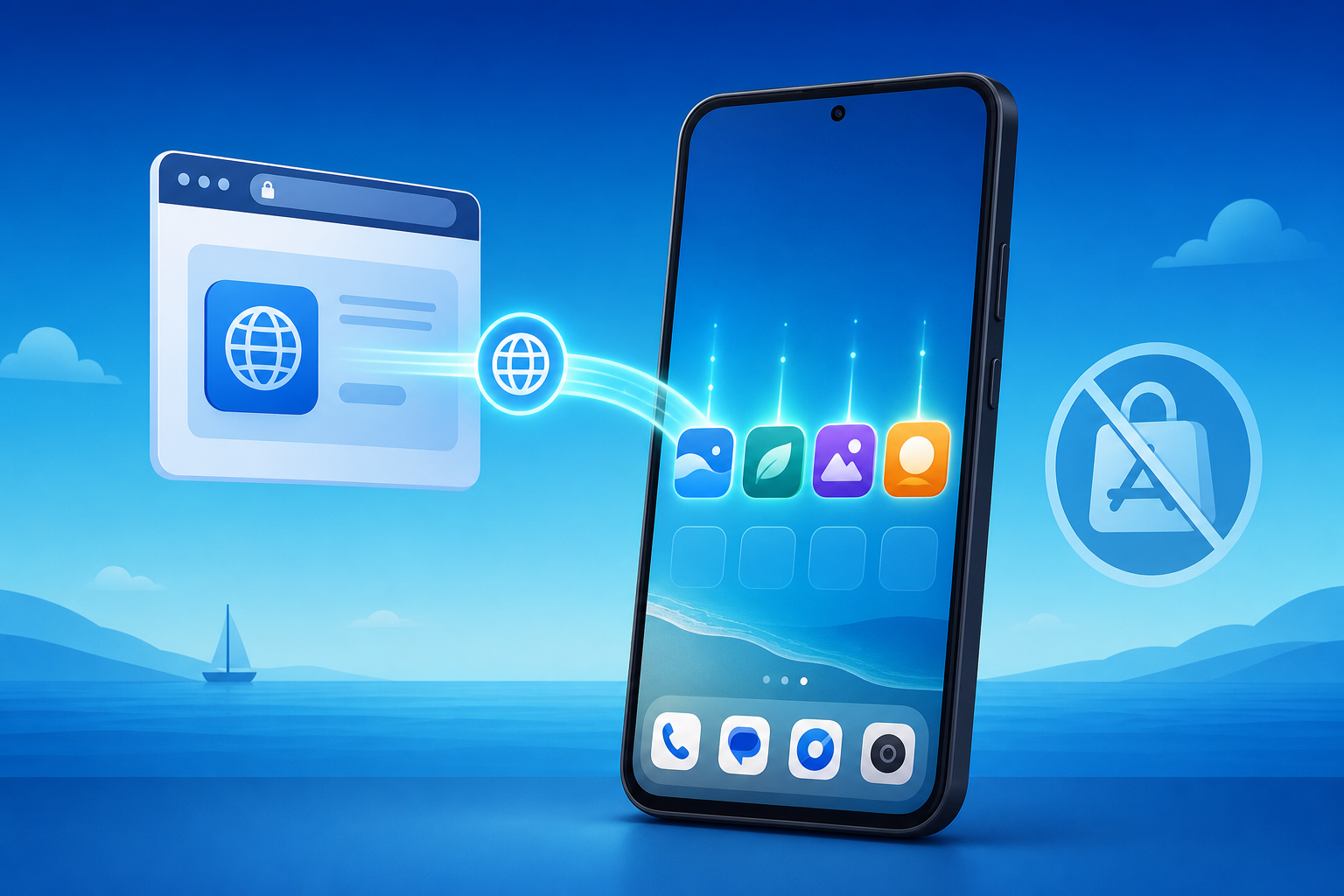
PWA is the most viable Google Play alternative for the majority of use cases. A PWA is a web application that can be installed directly to the user’s home screen from a browser, behaving like a native app without going through any app store.
How it works: Users visit your landing page on their Android device. A prompt appears to “Add to Home Screen” or “Install.” One tap later, your app icon appears on their home screen and launches in full-screen mode — indistinguishable from a native app to the end user.
Advantages over Google Play:
- Zero review process: Your app goes live immediately. Updates deploy instantly. No waiting for review approval, no risk of rejection.
- 100% revenue retention: No 30% platform cut. All in-app purchase revenue stays on your books.
- Higher install conversion: PWA install rates are typically 1.2x higher than Google Play installs because the installation happens in one tap from your landing page — no app store redirect, no download wait, no separate install confirmation.
- Push notifications: Android PWAs support push notifications through Chrome, including the ability to reach users who have uninstalled the PWA — something native apps cannot do once deleted.
- SEO discoverability: Your PWA landing page is indexable by Google Search. You can rank for relevant keywords and drive organic installs without paying for app store optimization.
Limitations:
- No access to certain native APIs (NFC, Bluetooth LE in some contexts)
- iOS support is limited (no push notifications on iOS until PWA support improves)
- Users unfamiliar with PWA may need education on the install process
Best for: AI social apps, BC games, subscription apps, any team that needs to avoid review risk and retain full revenue. ROiBest handles the entire PWA setup and optimization — your team focuses on the product while PWA distribution runs automatically.
Direct APK Distribution
Distributing your app as a directly downloadable APK bypasses all app stores entirely. Users download the APK file from your website and install it manually.
Advantages:
- Complete control over distribution
- No revenue sharing
- No review process
Limitations:
- Users must enable “Install from Unknown Sources” — a friction point that reduces install rates by 40-60%
- Google Play Protect may flag your APK as potentially harmful, showing a scary warning dialog
- No automatic updates — users must manually download and install new versions
- Higher support burden for installation issues
Best for: Enterprise distribution, internal apps, markets where sideloading is culturally common (parts of Asia, gaming communities).
Samsung Galaxy Store
Samsung’s app store comes pre-installed on all Samsung devices (approximately 25% of global Android market share).
Advantages:
- Pre-installed on Samsung devices — no sideloading required
- Less competitive than Google Play — better organic discovery for new apps
- Samsung offers promotional opportunities for featured apps
Limitations:
- Limited to Samsung devices (25% of Android market)
- Still has review process (typically 3-5 days)
- Still takes revenue share (similar to Google’s structure)
- Lower user engagement compared to Google Play users
Best for: Apps targeting Samsung-heavy markets (Southeast Asia, parts of Europe), apps already on Google Play looking to add incremental distribution.
Amazon Appstore
Amazon’s Android app store, available on Fire devices and installable on standard Android phones.
Advantages:
- Access to Amazon’s payment infrastructure and user base
- Pre-installed on Fire tablets and Fire TV
- Amazon Coins provide an alternative payment mechanism popular with gamers
Limitations:
- Small market share on standard Android phones
- Revenue share comparable to Google Play
- Review process exists and can be slow
- Limited discoverability without Amazon ecosystem tie-in
Best for: Games that benefit from Amazon Coins, apps targeting Fire device users, teams already in the Amazon ecosystem.
Huawei AppGallery
Huawei’s app store, mandatory on Huawei devices (which no longer have Google Play access due to trade restrictions).
Advantages:
- Only distribution option for Huawei devices (significant market share in China, parts of Europe and Asia)
- Growing user base as Huawei continues selling phones
- Promotional support available for new apps
Limitations:
- Requires HMS Core integration instead of Google Mobile Services
- Separate development/testing effort
- Revenue share applies
- Primarily relevant in Huawei-heavy markets
Best for: Apps targeting Chinese market, apps with existing presence wanting to reach Huawei users in Europe/Asia.
How to Choose: Decision Framework
The right alternative depends on your specific situation. Use this framework:
If your primary concern is revenue retention: PWA (0% cut) > Direct APK (0% cut) > Samsung/Amazon/Huawei (15-30% cut)
If your primary concern is review risk: PWA (no review) > Direct APK (no review) > Samsung Galaxy Store (lighter review) > Google Play (strictest review)
If your primary concern is install conversion rate: PWA (1.2x higher than Play) > Google Play (established user behavior) > Samsung (familiar but smaller) > Direct APK (friction-heavy)
If your primary concern is reach/scale: Google Play (largest) + PWA (any device with Chrome) > Samsung (25% of Android) > Amazon (niche) > Huawei (regional)
For most outbound teams — especially BC games and AI apps — PWA offers the best combination of zero revenue share, zero review risk, high install conversion, and broad device compatibility. It is the only alternative that scores well across all four dimensions simultaneously.
Migration Path: From Google Play to Multi-Channel Distribution
Moving to alternative distribution does not mean abandoning Google Play overnight. The recommended approach is additive — add PWA distribution alongside your existing Play presence, then shift budget and focus based on performance data.
Phase 1: Launch PWA Channel (Week 1-2)
Set up a PWA landing page on your domain. ROiBest can have this running within days. Point a portion of your paid traffic to the PWA page instead of Google Play. Measure install rate, Day-1 retention, and revenue per user compared to your Play traffic.
Phase 2: Optimize and Scale (Week 3-6)
Based on Phase 1 data, optimize your PWA landing page for conversion. A/B test CTAs, add social proof, improve page speed. Gradually increase the traffic share going to PWA. Most teams find that PWA outperforms Play within the first 30 days for conversion rate.
Phase 3: Diversify Traffic Sources (Week 7-12)
Once your PWA channel is performing well from paid social, add additional traffic sources: Google Ads, organic SEO content, influencer partnerships, email marketing. Each new source reduces your dependency on any single channel.
Phase 4: Evaluate Google Play Dependency (Ongoing)
With PWA performing well, evaluate whether Google Play adds enough value to justify the 30% revenue share and ongoing review risk. Many teams maintain a Play presence for organic discovery while routing all paid traffic and marketing links to their PWA — keeping the best of both worlds. For teams already running multi-channel campaigns, the data from recent industry changes consistently supports PWA distribution superiority.
Frequently Asked Questions
Will my app work as a PWA?
Most app types work well as PWAs: games (especially casual and mid-core), social apps, content apps, e-commerce, and subscription services. The main exceptions are apps that require deep hardware access (AR/VR, specialized Bluetooth devices) or apps that need background processing capabilities beyond what the web platform offers.
Will users actually install a PWA?
Yes. Data consistently shows that PWA install rates from landing pages are 1.2x higher than Google Play install rates from the same traffic. The reduced friction (one tap vs. multiple steps) more than compensates for user unfamiliarity with the PWA concept. Most users do not even notice the difference — to them, they tapped “Install” and the app appeared on their home screen.
What about updates?
PWA updates deploy automatically. When you update your web application, all PWA users receive the update the next time they open the app. No manual updates, no version fragmentation, no waiting for review approval.
Can I still monetize without Google Play Billing?
Yes. PWA apps can use any payment processor directly — Stripe, PayPal, direct credit card processing, or cryptocurrency. You retain 100% of revenue minus the payment processor fee (typically 2.9% vs Google’s 30%). For details on how PWA monetization compares across alternatives, see our analysis on data ownership and revenue control.
Summary: The Best Google Play Alternative in 2026
For most Android app teams in 2026, especially those in gaming and AI social categories, PWA distribution offers the strongest combination of benefits:
- Zero review risk — go live instantly, iterate freely
- 100% revenue retention — no 30% platform tax
- 1.2x install conversion — one-tap install from landing page
- Push notifications even after uninstall — superior retention tool
- Full SEO discoverability — your app ranks in Google Search
- Multi-channel compatible — works with any traffic source
The era of single-channel distribution dependency is ending. The teams that build multi-channel distribution with PWA at the center will have more resilient businesses, better unit economics, and faster growth than those locked into Google Play alone.
Technical Comparison: PWA vs Native App Capabilities in 2026
A common hesitation about PWA distribution is whether PWAs can match native app functionality. In 2026, the capability gap has narrowed significantly:
Features PWAs fully support on Android:
- Offline functionality (Service Workers cache app shell and data)
- Push notifications (including background delivery)
- Home screen installation with custom icon and splash screen
- Full-screen mode (no browser chrome)
- Camera and microphone access
- Geolocation
- Local storage (IndexedDB for large datasets)
- WebGL for 2D/3D graphics (sufficient for casual and mid-core games)
- Web Payments API for frictionless checkout
- Biometric authentication (WebAuthn)
- Clipboard access
- File system access
Features with limited or no PWA support:
- Background processing for extended periods (limited to short tasks)
- Bluetooth LE for peripheral devices
- NFC (experimental support only)
- ARCore integration
- Deep system integration (custom keyboards, accessibility services)
For 90% of app categories — games, social apps, content apps, e-commerce, utilities — PWA capabilities are more than sufficient. The remaining 10% that require deep hardware or system integration still need native distribution, but can often use PWA for marketing pages and user onboarding while handling core functionality natively.
Cost Comparison: Google Play vs PWA Distribution
Beyond the 30% revenue share, consider the total cost of each distribution model:
Google Play total costs:
- 30% revenue share on all in-app purchases (15% on first \M/year)
- \ one-time developer account fee
- ASO tools and optimization: \-2,000/month
- Review compliance team time: 5-10 hours/month for policy updates
- Revenue loss during delisting events: unpredictable but potentially catastrophic
PWA distribution total costs:
- 0% revenue share (payment processor fees of 2.9% apply)
- Landing page hosting: \-100/month (CDN-served static page)
- PWA setup service (ROiBest): one-time setup fee, then maintenance included
- SEO content for organic discovery: variable (but serves multiple purposes)
- Zero compliance risk costs: no review process means no compliance team needed
For an app generating \K/month in IAP revenue, the Google Play cost is approximately \,000/month in revenue share alone. PWA distribution costs are under \/month total. The \,500 monthly savings can fund significant user acquisition investment — at a \ CPA, that is 2,900 additional users per month.
Real-World Distribution Metrics
Based on aggregated data from teams that have moved to PWA distribution from Google Play in 2025-2026, here are the performance benchmarks to expect:
- Install conversion rate lift: Average 1.2x improvement (range: 1.1x to 1.5x depending on landing page optimization quality)
- Time to first install after campaign launch: Same day for PWA vs 3-7 days for Google Play (accounting for review time)
- Revenue per user improvement: 25-30% higher effective revenue per user due to eliminated platform cut
- User quality (Day-7 retention): Comparable to Google Play users when traffic sources are the same. Some teams report slightly higher retention for PWA users, likely because the lower friction install process filters less — only genuinely interested users complete the action.
- Push notification opt-in rate: 60-70% for PWA on Android (vs 40-50% for native app permission prompts), because Chrome grants notification permission with fewer friction steps
- Campaign disruption resilience: Teams with PWA distribution maintain 60-70% of install volume during ad account or Play Store disruptions, versus near-zero for Google Play-only teams
These metrics represent the median across teams making the transition. Individual results vary based on app category, traffic source quality, and landing page optimization. The consistent finding is that PWA distribution either matches or exceeds Google Play performance on every meaningful metric while eliminating the 30% revenue share and review risk entirely.
Skip the app store. Go live instantly, keep 100% of your revenue.
ROiBest helps Android app teams launch PWAs — no review process, no 30% Google Play cut, and push notifications that work even after uninstall. Teams see up to 1.2x higher install conversion rates vs native app downloads.
 WebApp中文站
留下评论