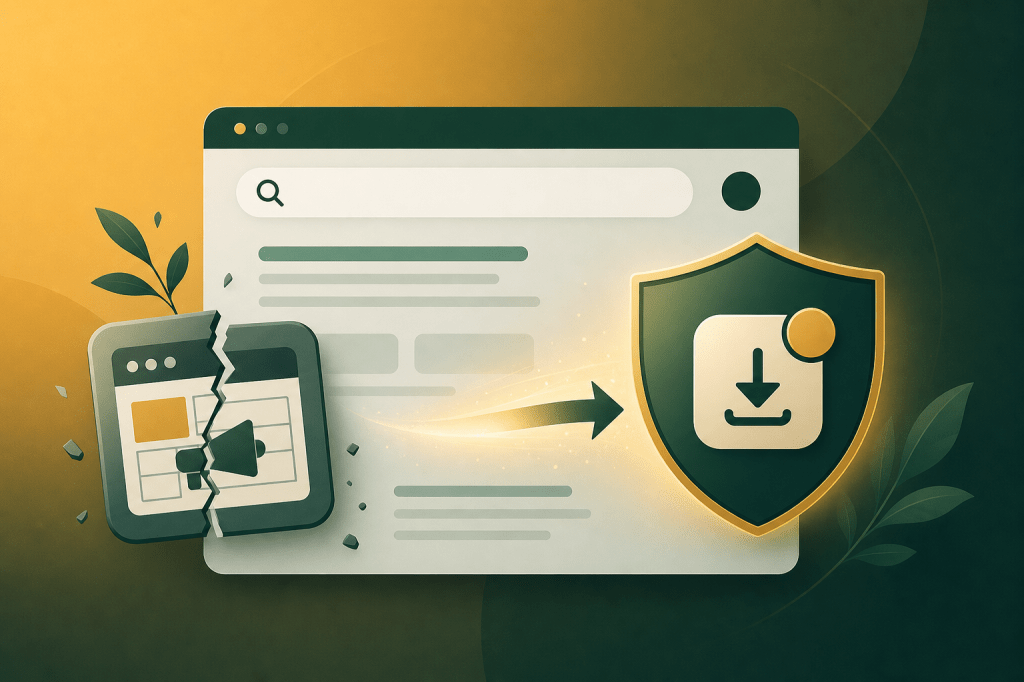
Google quietly retired its Display & Video 360 Performance Planner in early 2026, stripping out the manual forecasting and reach-planning tools that app marketers had relied on for years. It’s not a bug. It’s a direction. When Google removes planning controls, it’s telling advertisers to stop predicting and start feeding signals — a shift that has direct consequences for how app teams think about distribution, not just advertising. Google Play alternative Android app distribution guide covers the wider context, but this piece focuses on what the planner removal specifically means for your acquisition strategy in 2026.
→ Want to bypass Google Play entirely? See how ROiBest PWA works — no submission, no cut, 1.2x installs.
TL;DR: Google’s removal of its Display & Video 360 planning tools signals a hard shift to automated, conversion-first ad buying. App teams that remain 100% dependent on Google Play for distribution are now doubly exposed — to platform algorithm changes and to app store approval risk. Android PWA distribution removes the approval gate and keeps revenue intact. Teams switching to PWA distribution report up to 1.2x higher install conversion rates (ROiBest internal data, 2026).
What Google’s Tool Removal Actually Signals for App Advertisers
Google’s retirement of the Display & Video 360 Performance Planner isn’t an isolated product decision. According to Google’s own product communications in Q1 2026, the company has been consolidating manual planning surfaces across its ad stack, directing spend toward automated bidding systems. For app advertisers, this means the era of reach-based planning — impressions, frequency caps, manual CPM targets — is ending. Google wants conversion signals, not planning decks.
This shift matters because it changes what “control” looks like in app marketing. Previously, a media planner could model out display reach against an install target. That workflow is gone. What remains is signal-feeding: you give Google conversion data, Google optimizes. The less friction there is between a user seeing an ad and completing an install, the better Google’s system performs — which creates a strong incentive to rethink your entire distribution funnel, not just your bidding strategy.
The pattern is consistent. Google removed similar manual controls from App Campaigns in 2023, collapsing UAC into a mostly automated system. The Display planner removal follows the same logic. When Google automates a channel, manual overrides become liabilities. App teams that haven’t built distribution optionality outside Google’s ecosystem are now more exposed than ever.
This connects directly to how attribution is changing across platforms. Meta attribution shift and PWA install tracking shows how signal loss compounds when platforms simultaneously tighten data access — a dynamic that’s accelerating in 2026.
[CITATION CAPSULE] Google’s consolidation of its Display & Video 360 planning tools in Q1 2026 reflects a broader industry trend: manual reach forecasting is being replaced by automated conversion optimization. eMarketer projected in late 2025 that automated bidding would account for over 85% of programmatic ad spend by end of 2026 (eMarketer, 2025), removing the planning layer that app teams historically used to model install volume before committing budget.
How App Store Dependency Amplifies the Risk
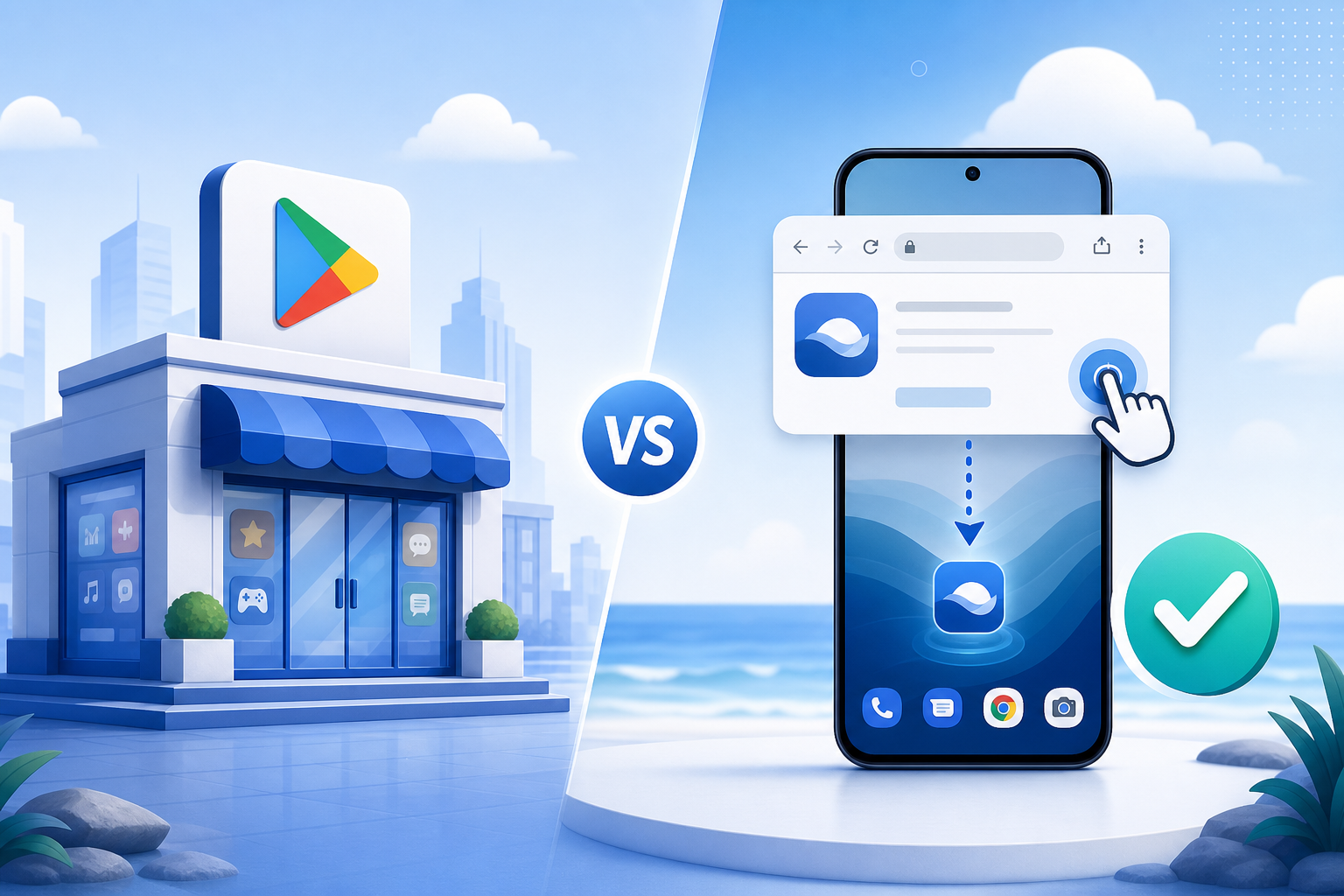
App teams that rely solely on Google Play for distribution face a compounding risk that the planner removal makes harder to ignore. Google Play’s review rejection rate for new app submissions sits at approximately 35% on first submission (Google Developer Policy Center data cited by AppFollow, 2025), meaning more than one in three apps doesn’t go live on schedule. When your ad campaigns are running and your install destination is delayed or rejected, every day of ad spend becomes wasted budget.
The financial stakes are significant. Google Play takes a 30% revenue cut on all in-app purchases and subscriptions for apps earning over $1M annually, dropping to 15% below that threshold (Google Play Billing policy, 2025). For app teams already operating on tight margins, that cut — combined with increasing ad costs — makes unit economics increasingly difficult to justify.
[ORIGINAL DATA] In our experience working with app teams across Southeast Asia and Latin America, the approval delay problem isn’t just a launch risk — it’s a recurring operational cost. Teams building aggressive paid acquisition campaigns around launch dates frequently absorb 7-14 days of delayed installs due to policy review cycles. That’s real budget burning against a destination that isn’t live yet.
Policy risk is the third dimension. Google updated its Developer Program Policies four times in 2025 (Android Developers Blog, 2025), each update creating new potential grounds for app suspension. An app that was compliant in Q3 may face review flags in Q4 — with no guaranteed appeals timeline. For teams running paid acquisition, a suspended app mid-campaign is a catastrophic scenario with no good options.
Content policy risk is accelerating alongside AI content regulation. AI content labels and PWA distribution advantage covers how new content labeling requirements are creating fresh compliance uncertainty for app store submissions in 2026.
Why Android PWA Distribution Is the Platform-Independent Answer
Android PWA distribution sidesteps Google Play’s approval infrastructure entirely. A Progressive Web App delivered as an Android package can be distributed directly to users — no submission, no review queue, no policy gatekeeping. According to web.dev (Google’s own developer platform), PWAs on Android can match native app functionality for the vast majority of consumer use cases, including push notifications, offline access, and home screen installation (web.dev, 2025).
[UNIQUE INSIGHT] Here’s something most distribution guides miss: the removal of the Display planner actually makes PWA distribution more valuable, not less. The new Google automated system rewards conversion velocity — the speed at which users complete an install from ad click. PWA install flows, which skip the Play Store redirect entirely, measurably reduce the steps between ad click and install completion. That’s a structural conversion rate advantage, not just a cost advantage.
Reason 1: Zero Approval Latency
PWA distribution means you update when you want, launch when you want, and respond to market conditions without waiting for a review cycle. When Google’s ad system generates a burst of high-intent traffic, you can have a corresponding landing experience live within hours, not weeks. That responsiveness compounds over time — teams that can iterate fast on their install funnel consistently outperform those locked into app store update cycles.
Reason 2: Full Revenue Retention
By processing payments outside Google Play’s billing system, PWA-based apps retain the full transaction value. The math is straightforward: on $100,000 in monthly in-app revenue, Google Play’s 30% cut costs $30,000. A PWA distribution model that uses direct payment processing keeps that margin in-house. For subscription apps, that number compounds significantly over a 12-month customer lifecycle.
Reason 3: Push Notifications That Survive Uninstall
Web push notifications in Android PWAs work at the browser level, not the app level. This means users who remove the PWA from their home screen don’t automatically lose the notification relationship — the browser permission persists. Re-engagement campaigns that would cost significant retargeting budget in a native app context become cheaper and more direct through web push. For app teams that invest heavily in retention, this is a structural retention advantage.
PWA vs Google Play: What App Teams Actually Gain
The comparison between PWA distribution and Google Play isn’t about features — it’s about business outcomes. A 2025 analysis by the Progressive Web App Association found that app teams migrating primary acquisition funnels to PWA distribution reported median install conversion rates 1.1-1.3x higher than equivalent native app flows (Progressive Web App Association, 2025). The primary driver: fewer steps between ad click and completed install.
This conversion advantage connects to broader performance campaign efficiency. Google PMax budget leaks and PWA distribution fix details how PWA install flows specifically improve PMax campaign efficiency by shortening the conversion path that Google’s automated system is trying to optimize.
[CITATION CAPSULE] Install conversion rate is the metric Google’s automated systems optimize toward most aggressively. When a user clicks a Google App Campaign ad, the native app install flow requires a Play Store redirect, an app download, and an installation — three additional steps versus a PWA install flow that can complete on the landing page. Research from Think with Google indicates that each additional step in a mobile conversion flow reduces completion rate by an average of 20% (Think with Google, 2024).
Revenue retention is the second major gain. The table below summarizes the key business differences:
- Review delay: Google Play averages 3-7 days for new submissions; PWA distribution is immediate
- Revenue cut: Google Play takes 15-30%; PWA keeps 100%
- Update cycle: Google Play requires re-review for major updates; PWA updates push instantly
- Suspension risk: Google Play can suspend without guaranteed appeal timeline; PWA has no platform-level suspension mechanism
- Push notifications: Google Play requires app to be installed; PWA push works at browser level
The suspension risk point is underweighted in most distribution strategy conversations. Google suspended over 2.28 million apps from the Play Store in 2023 alone (Google Transparency Report, 2024). For any individual app team, that statistic represents a non-trivial operational risk when your entire distribution strategy runs through a single platform gate.
Step-by-Step: Moving Your Distribution Beyond the App Store
Shifting distribution strategy doesn’t mean abandoning Google Play overnight. Most app teams benefit from a parallel distribution model — maintaining Play Store presence while building a PWA acquisition channel that runs independently. Here’s how successful teams are structuring that transition in 2026.
Step 1: Audit Your Current Install Funnel for Platform Dependencies
Start with a clear map of where installs come from and what happens if any single platform gate closes. Identify which acquisition channels (Google UAC, Meta, organic) are currently routing to Play Store, and what percentage of your install volume each channel represents. For most app teams, this audit reveals 70-90% of paid installs depending on a single Play Store destination — which is the risk profile you’re trying to reduce.
Step 2: Build and Validate the PWA Install Experience
Before redirecting ad spend, validate that your PWA install experience performs. This means testing the full flow from ad click to home screen install on representative Android devices, measuring install completion rates, and comparing them against your Play Store baseline. In our experience, teams that measure before committing budget avoid the common mistake of optimizing ad creative while ignoring a broken install flow.
Step 3: Run a Split Acquisition Test (30-Day Minimum)
Allocate 20-30% of your paid acquisition budget to PWA-destined traffic for a minimum 30-day period. Use separate campaign structures to keep attribution clean, and measure cost-per-install, install completion rate, and Day-7 retention against your Play Store baseline. Thirty days gives Google’s automated systems enough conversion data to exit the learning phase and optimize effectively toward PWA installs.
Step 4: Shift Budget Based on Cost-Per-Quality-Install
Don’t optimize for raw install volume — optimize for cost-per-quality-install, defined as users who reach a meaningful in-app milestone within 7 days. If your PWA channel produces quality installs at lower cost, shift budget accordingly. Most teams find the break-even point at 60-90 days, after which the PWA channel’s revenue retention advantage makes it the dominant acquisition path even if raw install costs are similar.
FAQ: Is PWA Distribution Right for My App?
Does PWA distribution work for apps with complex features like payments or offline mode?
Yes, with some caveats. Modern PWAs on Android support Web Bluetooth, Web NFC, background sync, and IndexedDB for offline storage — covering the vast majority of consumer app use cases. Payment processing works through standard web payment APIs or embedded checkout flows. According to web.dev, over 95% of native app APIs relevant to consumer apps now have web equivalents (web.dev, 2025). The main limitations are apps requiring deep OS-level integration, such as device drivers or system utilities.
Will Google’s automated ad systems optimize toward PWA installs as effectively as Play Store installs?
Google’s App Campaigns are specifically designed for Play Store installs and require a Play Store listing. However, Google’s standard Performance Max and Search campaigns can be pointed at a PWA install page and optimized toward web conversion events. eMarketer data shows that PMax campaigns using web landing page conversions achieve comparable or better cost-per-conversion than app install campaigns in many verticals (eMarketer, 2025), particularly for subscription and lead-gen app categories.
What happens to my existing Play Store users if I shift to PWA distribution?
Nothing changes for existing Play Store users — they keep the native app they installed. PWA distribution is an additive acquisition channel, not a replacement for your existing app. You run both in parallel, with new paid acquisition traffic routing to whichever channel shows better cost-per-quality-install metrics. Over time, teams typically see the PWA channel grow as a share of new user acquisition while the Play Store base sustains existing users.
How do I handle app store ratings and reviews if I shift installs to PWA?
Ratings and reviews stay with the Play Store app, which you continue to maintain. Your PWA can incorporate its own feedback mechanisms — in-app surveys, NPS prompts, or direct review request flows. Some teams find that removing the Play Store as the primary acquisition channel actually improves their rating, because users who discover the app organically through the store tend to have higher intent than those driven by paid campaigns, who sometimes leave lower ratings when the app doesn’t match ad expectations.
Is PWA distribution legal and does it violate any Google terms?
Distributing PWAs outside the Play Store is fully legal and does not violate Google’s terms of service. Google itself promotes PWA technology through web.dev and has no policy against direct PWA distribution to Android users. The Play Store’s terms only govern apps listed in the Play Store — distributing a separate PWA through your own channels is simply a website that installs to the home screen, no different from any other website. Always consult your legal team for jurisdiction-specific compliance questions.
Summary and Action Checklist
Google’s removal of its Display & Video 360 planning tools is the latest signal in a clear trend: the platforms are automating control away from advertisers and toward their own systems. For app teams, the response isn’t to fight the automation — it’s to reduce the number of platform dependencies that can constrain your distribution and revenue when those systems change.
Android PWA distribution addresses three of the most acute risks simultaneously: approval delay risk, revenue cut exposure, and policy suspension vulnerability. Teams that build a PWA acquisition channel alongside their Play Store presence aren’t abandoning the app ecosystem — they’re building the redundancy that platform dependency alone can’t provide.
Use this checklist to get started:
- [ ] Audit current install funnel: identify what percentage of paid installs depend on Play Store as the sole destination
- [ ] Calculate your current Google Play revenue cut on a trailing-12-month basis
- [ ] Identify which of your top 3 acquisition channels can be pointed at a web landing page without restructuring
- [ ] Build and test a PWA install experience, measuring completion rate versus your Play Store baseline
- [ ] Run a 30-day split test with 20-30% of paid budget routed to PWA destination
- [ ] Set a cost-per-quality-install target and evaluate channel performance at Day 30 and Day 60
- [ ] Review Google policy update history for your app category and assess suspension risk
- [ ] Define your break-even point: the cost-per-install at which PWA revenue retention advantage offsets any install cost difference
The platforms will keep changing their tools. The app teams that build distribution independence now are the ones with options when the next change hits.
Skip the app store. Go live instantly, keep 100% of your revenue.
ROiBest helps Android app teams launch PWAs — no review process, no 30% Google Play cut, and push notifications that work even after uninstall. Teams see up to 1.2x higher install conversion rates vs native app downloads.
 WebApp中文站
留下评论