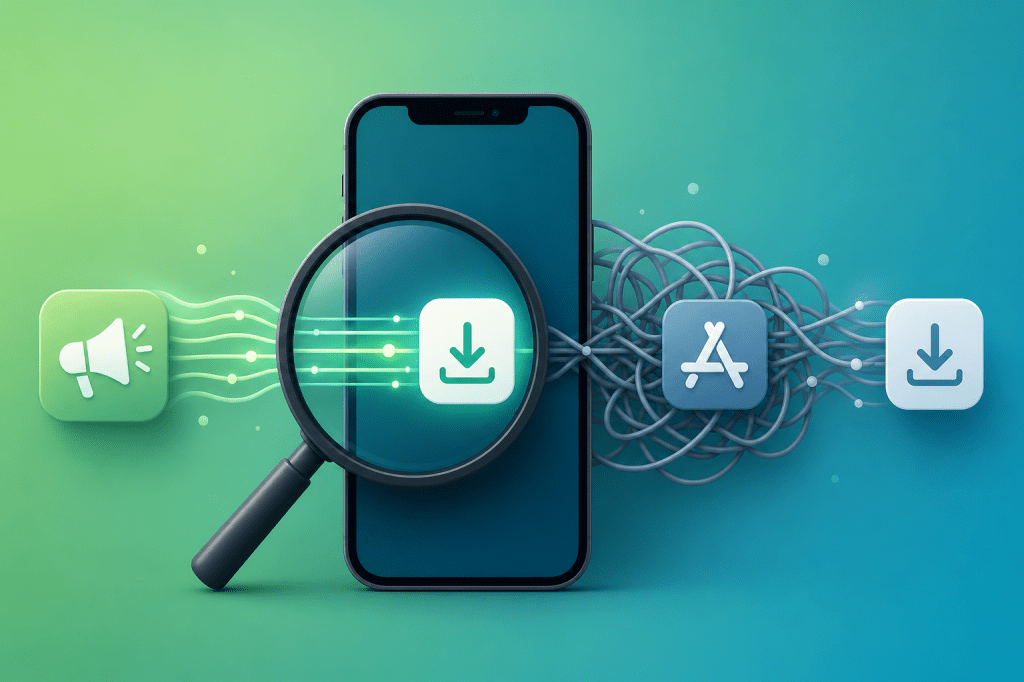
Meta just rewrote how it measures advertising impact — and the change exposes a fundamental problem with how most app teams track installs. The new engage-through attribution counts users who interacted with your ad but never clicked, then later converted through a different channel. For app teams relying on Meta’s attribution data to make install-spend decisions, this means your reported CPA is now a blend of intentional clicks and passive engagements — two very different user behaviors with very different downstream value. Here’s why PWA install tracking gives you cleaner data, and how to adapt your distribution strategy.
→ Want to bypass Google Play entirely? See how ROiBest PWA works — no submission, no cut, 1.2x installs.
What Meta’s Attribution Change Means for App Install Campaigns
Meta’s default attribution model has shifted from pure click-through measurement to a blend that includes engage-through attribution. Previously, a conversion was credited to your ad only if the user clicked it. Now, users who watched 15 seconds of your video, expanded a carousel, or swiped through an Instant Experience — without clicking — can also be counted as ad-attributed conversions if they later install your app through any channel.
For app install campaigns, this creates a specific problem: your Meta Ads dashboard shows more attributed installs, but your actual app store or landing page conversion rate drops. You’re paying the same CPA, but a growing portion of your “attributed” users arrived through organic search, direct visits, or other touchpoints — not through the ad click. Meta just claims credit because the user happened to engage with your ad at some earlier point.
Early reports from gaming and AI social app teams show engage-through can inflate attributed installs by 20-35% while actual click-to-install conversion rates drop by 10-15%. If you’re making budget decisions based on blended attribution data, you’re likely overspending on Meta and undervaluing your organic and direct distribution channels.
Why Google Play Attribution Compounds the Problem
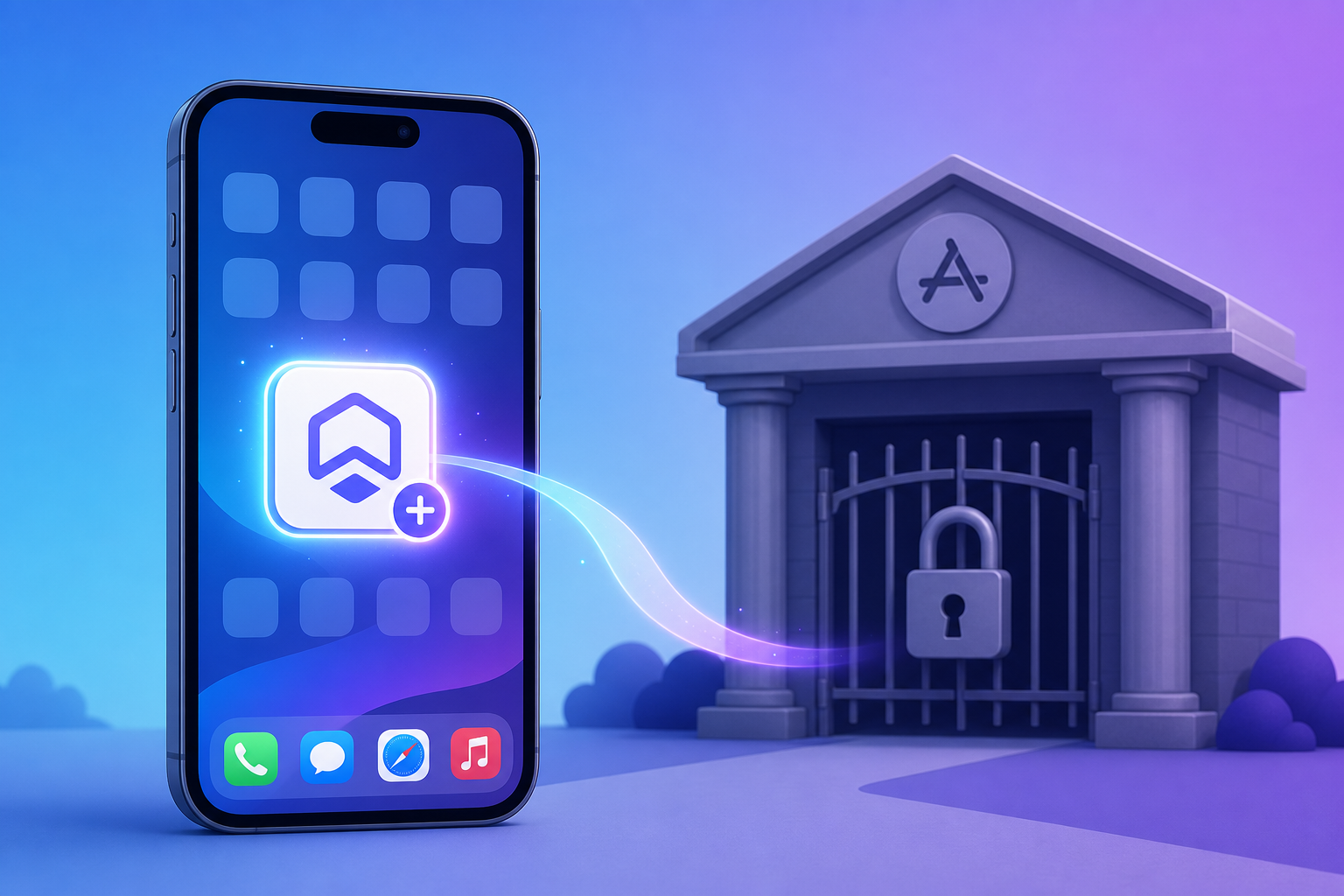
The attribution confusion gets worse when Google Play sits in the middle of your install funnel. Here’s the chain: a user engages with your Meta ad → doesn’t click → later searches for your app on Google Play → installs from the Play Store listing. Meta counts this as an engage-through conversion. Google Play counts it as an organic install. Neither system gives you the true picture.
This double-attribution problem exists because Google Play is a separate entity with its own tracking. You can’t pass UTM parameters or custom tracking through the Play Store install flow. Even if you use deep links or app links, the moment a user goes through Google Play’s install button, attribution gets fragmented.
For gaming BC teams, this means your user acquisition cost calculations are unreliable. The $8 CPA you see in Meta Ads Manager might actually be $12 when you account for the engage-through inflation — and the user you “acquired” might have found you organically anyway.
For AI social app teams facing Google Play review restrictions, the problem is even sharper. If your app gets flagged or delayed in review, your Meta campaigns keep spending while your Play Store listing is unavailable. Engage-through attribution keeps counting “conversions” that never actually happened as installs — because the users couldn’t install even if they wanted to.
How PWA Install Tracking Cuts Through the Noise
PWA distribution eliminates the Google Play attribution gap entirely. When a user installs your PWA, the entire journey — from ad click to landing page to install — happens within your own domain. There’s no intermediary app store breaking the tracking chain. Here’s what changes:
- Full UTM parameter persistence. Every install carries the exact source, medium, campaign, and content parameters from your ad. You know precisely which ad creative, audience segment, and campaign drove each install — not an approximation based on attribution modeling.
- Click vs. engagement distinction. Because PWA installs happen directly from your landing page, you can separate users who clicked your ad and installed (high intent) from users who arrived through other channels. There’s no engage-through ambiguity because install requires deliberate action on your page.
- Real-time install confirmation. PWA install events fire immediately when the user adds your app to their home screen. No 24-48 hour attribution delay, no deferred deep link resolution, no discrepancy between Meta’s reported installs and your actual user base.
- No platform intermediary. Without Google Play in the chain, there’s no second attribution system claiming credit for the same user. One source of truth, one install event, one clean data point.
Teams that have switched critical campaigns from Google Play to PWA distribution report that their true CPA becomes 15-25% lower than what blended Meta attribution previously suggested. Not because PWA is inherently cheaper — but because cleaner tracking reveals that many “attributed” installs were actually organic users that Meta was taking credit for, as we explored in our analysis of search-driven install flows.
Adapting Your Distribution Strategy
Step 1: Run a PWA vs. Play Store Attribution Comparison
Before making any major changes, run a 2-week test. Split your Meta ad traffic 50/50: half goes to your Google Play listing (business as usual), half goes to a PWA landing page with full tracking. Compare:
- Click-to-install rate on each channel
- CPA after removing engage-through attributed installs
- Day-1 and Day-7 retention for users from each channel
- Revenue per user at Day-30
Most teams find that PWA installs show a 1.2x higher conversion rate because the install flow has zero friction — no Play Store search, no download wait, no storage permission pop-ups. But more importantly, the attribution data from the PWA channel is actionable in a way that blended Play Store data simply isn’t.
Step 2: Separate Budget Tracking by Attribution Type
Even if you continue running campaigns to Google Play, stop looking at blended CPA numbers. Create separate reporting for click-through attributed installs versus engage-through attributed installs. Calculate the downstream LTV difference — engage-through users typically show 40-60% lower LTV because many of them would have installed organically regardless.
This separation alone can save significant budget. When you see that your engage-through CPA looks cheap ($5) but those users retain at half the rate of click-through users ($10 CPA), you realize the “cheap” installs are actually more expensive on a per-retained-user basis, similar to the tracking clarity gains documented in our first-party data distribution analysis.
Step 3: Shift High-Value Campaigns to PWA First
You don’t need to abandon Google Play entirely. The practical approach is to identify your highest-value campaigns — the ones where accurate attribution data matters most for optimization decisions — and run those through PWA distribution. Keep awareness and broad-reach campaigns on Google Play where precise attribution is less critical.
For gaming BC apps, this typically means shifting your highest-spending campaigns (the ones targeting paying users) to PWA. For AI social apps, it means moving any campaign that faces Google Play review risk to PWA distribution where availability is guaranteed.
Common Concerns Addressed
“Won’t users resist installing a PWA instead of a native app?” In practice, PWA install rates are 1.2x higher than Play Store install rates because the user never leaves your landing page. There’s no store search step, no download progress bar, no storage warnings. The app appears on their home screen in seconds.
“Can we still use push notifications?” Yes. PWA push notifications work on Android through Chrome’s notification system. Unlike native app push, PWA notifications continue working even after uninstall — giving you a re-engagement channel that native apps can’t match.
“What about users who specifically search for us on Google Play?” Keep your Play Store listing active for organic discovery. PWA distribution is for paid acquisition campaigns where attribution accuracy directly impacts budget decisions. The two channels complement each other.
The timing matters too. As more countries implement Digital Services Tax surcharges on Meta ads, the cost of inaccurate attribution rises. Every dollar spent on a falsely attributed install in a high-DST market carries an additional 2-7% tax premium. Clean attribution through PWA tracking lets you eliminate this waste by confirming which installs were genuinely driven by your ads versus organic discovery that Meta is claiming credit for. The budget you save by cutting false attributions often exceeds the DST surcharge itself — making PWA distribution a cost optimization lever on two fronts simultaneously.
Action Checklist
- Audit your Meta campaign attribution breakdown (click-through vs. engage-through share)
- Calculate separate CPA and LTV for each attribution type
- Run a 2-week PWA vs. Play Store attribution comparison test
- Identify highest-value campaigns to shift to PWA distribution
- Set up UTM tracking on your PWA landing page for full attribution visibility
- Review budget allocation based on clean attribution data, not blended metrics
Meta’s attribution change isn’t something you can opt out of — it’s already live. The question is whether you adapt your distribution strategy to maintain data clarity, or let increasingly unreliable attribution data drive your budget decisions.
Skip the app store. Go live instantly, keep 100% of your revenue.
ROiBest helps Android app teams launch PWAs — no review process, no 30% Google Play cut, and push notifications that work even after uninstall. Teams see up to 1.2x higher install conversion rates vs native app downloads.
 WebApp中文站
留下评论