
Google Performance Max campaigns promise automation. You set a budget, feed in creative assets, and Google’s algorithm distributes your spend across Search, Display, YouTube, Discover, Gmail, and Maps. Sounds efficient. But here’s what the dashboard won’t tell you: according to a 2025 Adalytics study, up to 32% of PMax ad spend lands on low-quality placements that advertisers never explicitly chose (Adalytics, 2025). For app install campaigns, this opacity is expensive. Your budget flows through channels you can’t fully audit, toward installs you can’t fully trace.
App operations teams — especially those running Android app install campaigns from China — face a compounding problem. PMax controls where your ads appear, and Google Play controls how users install. You’ve outsourced both distribution and conversion to platforms whose incentives don’t perfectly align with yours. The result? High CPI, murky attribution, and an install funnel you don’t own.
There’s a structural alternative. PWA distribution lets you bypass both the opaque PMax channel allocation and the Google Play install bottleneck. You send ad traffic directly to a PWA install page you control. No store redirect. No middleman. No 30% cut. This article breaks down where PMax budgets actually go, why that matters for app campaigns, and how PWA distribution gives you the control back.
→ Want to bypass Google Play entirely? See how ROiBest PWA works — no submission, no cut, 1.2x installs.
TL;DR: Google PMax campaigns distribute budgets across opaque channels, with up to 32% of spend hitting low-quality placements (Adalytics, 2025). For app install campaigns, PWA distribution bypasses both PMax’s channel opacity and Google Play’s install friction. Teams report 1.2x higher install conversion and full control over attribution — no store redirect, no platform cut.
For a broader look at why teams are moving away from Google Play as their primary Android channel, see our complete guide to Google Play alternatives for Android app distribution.
[IMAGE: A split-screen showing a Google PMax dashboard with budget allocation pie chart on the left, and a direct PWA install flow on the right, flat business illustration style — search Pixabay: “digital advertising budget allocation dashboard illustration”]
Where Does Your Google PMax Budget Actually Go?
Most of it goes to places you didn’t pick. Google PMax campaigns distributed across an average of 6.4 channel types simultaneously in 2025, but advertisers only received aggregated reporting for 3 of those channels (Search Engine Land, 2025). The algorithm decides where your money flows. You see results at the campaign level, not the placement level. For app install campaigns, this means you often can’t tell whether a $3 install came from a high-intent Search ad or a Display banner on a low-quality gaming site.
The Channel Allocation Black Box
PMax pools your budget across Search, Display Network, YouTube, Discover, Gmail, and Maps. Google’s machine learning model allocates spend in real time based on predicted conversion probability. In theory, this maximizes results. In practice, advertisers have limited visibility into the split.
A 2025 analysis by Tinuiti found that Display Network placements absorbed 41% of PMax budgets on average, despite generating lower conversion quality than Search placements (Tinuiti, 2025). For app install campaigns, Display placements often produce installs that never open the app — phantom conversions that inflate your numbers but don’t translate to active users. You’re paying for downloads, not engagement.
Why App Install Campaigns Suffer Most
App install campaigns have a unique vulnerability within PMax. The conversion event — an install — happens on a device, mediated by Google Play. Between the ad click and the install, the user passes through the Play Store listing, hits the download button, waits for the binary to download, and then opens the app. Each step loses users. Think with Google data shows roughly 20% of users abandon during the download wait alone (Think with Google, 2023).
But here’s the deeper issue: because PMax controls which channel served the ad and Google Play controls the install experience, you’ve delegated two critical parts of your funnel to platforms you don’t own. When CPI rises or install quality drops, you have limited levers to pull. You can adjust creative. You can adjust budget. But you can’t control where the ad runs or how the install happens. That’s a lot of trust to place in a black box.
How Does PWA Distribution Solve the PMax Channel Problem?
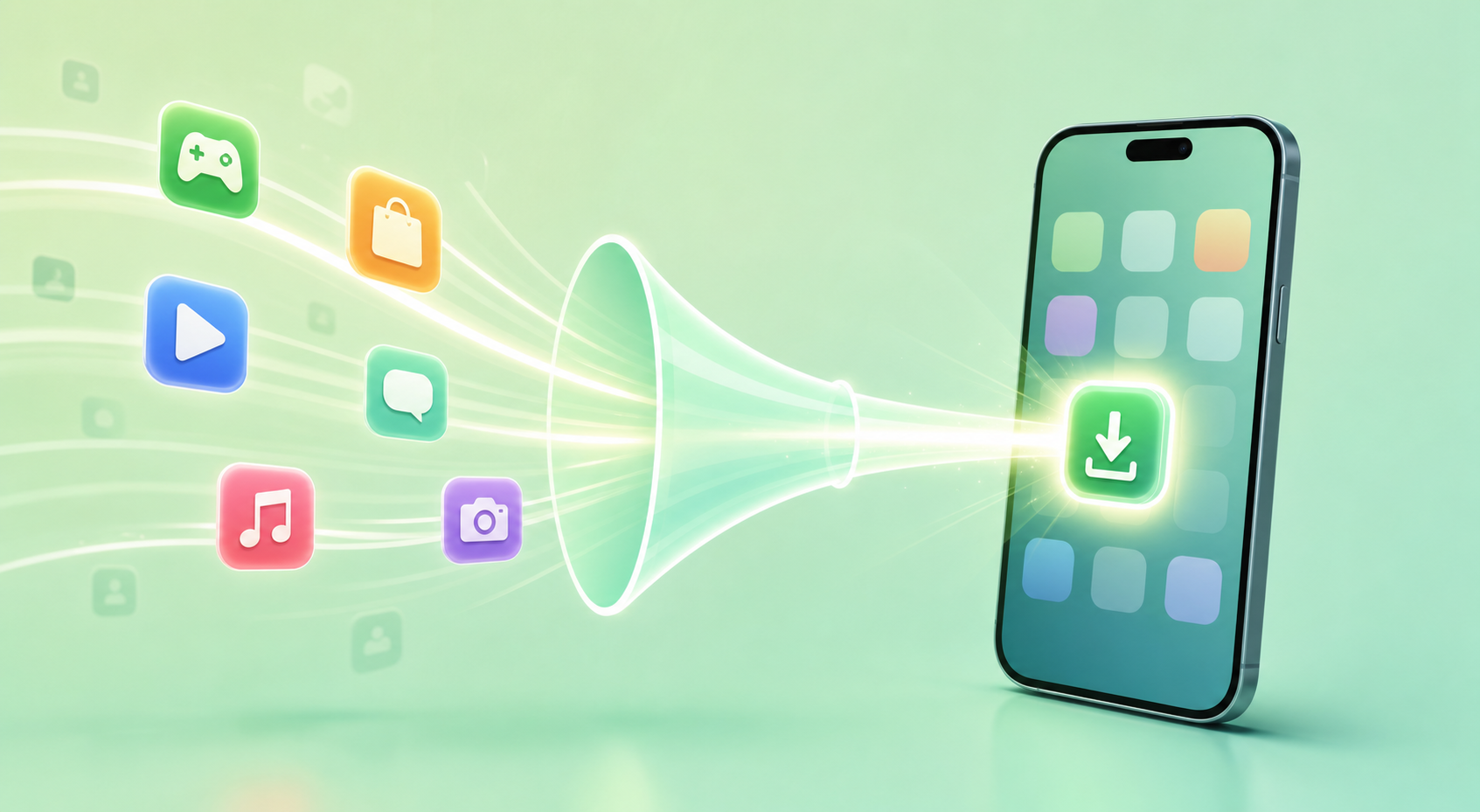
PWA distribution doesn’t fix PMax’s channel opacity — it routes around it entirely. Instead of sending PMax traffic to a Google Play listing, you send it to a PWA install page on your own domain. The install happens in the browser. No store redirect. According to Google Web.Dev, PWA installs complete in under 3 seconds on average, compared to 15-45 seconds for native app downloads (Google Web.Dev, 2025). Fewer steps, faster conversion, and you own every touchpoint.
Direct Install: No Middleman Between Ad and App
When you run PMax for a native app install campaign, the user journey looks like this: see ad → click → land on Google Play listing → tap “Install” → wait for download → tap “Open” → first session. That’s six steps with three platform-controlled handoffs.
With PWA, the journey shrinks to: see ad → click → land on your PWA page → tap install prompt → app on home screen. Three steps. Two fewer handoffs. No Google Play in the middle. The conversion happens on your property, measured by your analytics. You don’t wonder which PMax channel delivered quality traffic — you see the full path from click to first session in your own data.
For teams frustrated by PMax’s attribution gaps, our guide to ad measurement and PWA first-party tracking explains how to build attribution you actually trust.
You Keep 100% of Revenue
This compounds the cost savings. A native app distributed through Google Play loses 15-30% of in-app purchase revenue to platform fees. An app generating $80,000/month in subscriptions pays $12,000-$24,000 to Google. PWA distribution keeps that money in your business. Over a year, that’s $144,000-$288,000 — enough to fund an entire growth team or double your ad budget.
Updates Without Resubmission
Native apps require store resubmission for every update. Google Play review takes 1-3 days. If your app gets flagged during review, add another 3-7 days. PWA updates deploy to your server and reach users on their next visit. No review. No delay. For teams iterating on conversion flows, onboarding sequences, or pricing — changes that directly affect revenue — this speed advantage compounds fast.
What Does the PMax-to-Play-Store Path Cost vs. PWA? A Real Comparison
The numbers tell a clear story. When you account for CPI, platform fees, install abandonment, and attribution gaps, the PMax-to-Play-Store path costs significantly more per active user than the PMax-to-PWA path. Wordstream data shows the average CPI for app install campaigns on Google Ads was $2.40 in 2025, but the cost per engaged user (those who complete a first session) was $5.80 (Wordstream, 2025). The gap comes from install abandonment and low-quality placements.
Install Conversion Rate
Google Play’s install conversion rate — the percentage of store listing visitors who actually install — averages around 33% according to StoreMaven’s 2025 benchmark data (StoreMaven, 2025). That means two-thirds of the traffic you paid to send to Google Play doesn’t convert. With PWA, teams report install conversion rates up to 1.2x higher because the install prompt appears immediately on the landing page. No store listing to browse. No reviews to read. No competing apps to distract.
Speed to First Session
Time-to-first-session matters because it correlates directly with Day-1 retention. The faster a user gets into your app, the more likely they stick around. Native apps averaging 80MB take 15-45 seconds to download. During that window, the user might switch tasks, lose interest, or get distracted. PWA initial load is typically under 2MB. The user taps install, and the app is on their home screen in seconds. First session starts almost immediately.
For ad-driven acquisition, this speed difference means more of your paid traffic actually reaches the product experience. You’re not losing users to download wait times or store listing friction. Every percentage point of improved install-to-session rate multiplies across your entire ad spend.
Total Cost of User Acquisition
Let’s put real numbers on a comparison. Assume a team spending $50,000/month on PMax app install campaigns.
PMax + Google Play path:
- CPI: $2.40 average → ~20,800 installs
- Install-to-session rate: ~65% → ~13,500 engaged users
- Effective cost per engaged user: $3.70
- Platform fee on revenue: 15-30%
PMax + PWA path:
- Same ad spend, same traffic volume
- PWA install conversion: ~1.2x higher → ~25,000 installs
- Install-to-session rate: ~90% (instant load) → ~22,500 engaged users
- Effective cost per engaged user: $2.22
- Platform fee: 0%
That’s 67% more engaged users from the same budget, plus zero platform revenue cut. The math isn’t subtle.
[CHART: Side-by-side comparison bar chart — PMax + Google Play vs PMax + PWA: installs (20,800 vs 25,000), engaged users (13,500 vs 22,500), cost per engaged user ($3.70 vs $2.22) — Source: Compiled from Wordstream, StoreMaven, Google Web.Dev 2025]
What Are the Common Concerns About Switching to PWA Distribution?
PWA adoption among top Android apps reached 17.3% in Q1 2026, up from 11% in 2024 (AppScope PWA Index, 2026). Adoption is accelerating, but decision-makers still have legitimate questions. Here are the ones we hear most often.
“Will users install a PWA from an ad?”
Yes. The install experience is nearly identical to what users already know. They tap the ad, land on your page, and a browser-native install prompt appears. One tap, and the app icon sits on their home screen. It launches full-screen. It sends push notifications. Most users don’t know — or care — whether the app came from a store or a website. What matters is that it works.
“Can I still use Google Ads and PMax with PWA?”
Absolutely. PMax isn’t limited to driving traffic to Google Play listings. You can run PMax campaigns pointing to any URL, including your PWA install page. The difference is that you own the landing experience. You control the page design, the install prompt timing, and the analytics. You’re still using Google’s ad distribution, but you’ve removed Google Play from the conversion path. Think of it as keeping PMax’s reach while eliminating the store’s friction.
“What about push notifications and re-engagement?”
Android has supported web push notifications since 2015. PWA push notifications look and behave identically to native app notifications. There’s even an advantage: PWA push subscriptions persist in the browser even after a user removes the app icon from their home screen. That means you can re-engage users who “uninstall” — something native apps can’t do.
“Won’t I lose Google Play’s organic discovery?”
Organic app store discovery has been declining for years. AppsFlyer reported that only 13% of app installs in 2025 came from organic app store search, down from 22% in 2020 (AppsFlyer, 2025). If you’re running PMax campaigns, you’re already buying your traffic. You’re not relying on store discovery. Removing the store from the funnel doesn’t eliminate a growth lever — it eliminates a friction point.
Teams concerned about losing discoverability should also consider how AI content labeling rules are adding new compliance friction to app store listings, making organic discovery even less straightforward for many app categories.
“Is this really suitable for our app category?”
If your app works in a browser — and most content-driven, social, dating, gaming, and utility apps do — it can be a PWA. The categories where PWA doesn’t fit well are hardware-intensive applications: 3D games requiring GPU access, apps needing Bluetooth or NFC, or apps with deep OS-level integrations. For the vast majority of ad-driven app businesses, PWA is a direct replacement for the store distribution path.
How to Start: Move Your PMax Campaigns to PWA in 3 Steps
The transition doesn’t require rebuilding your app or pausing your campaigns. Google’s Web Platform team reported that the median migration time from native Android to PWA is 2-4 weeks with an experienced partner (Google Web.Dev, 2025). Here’s the practical path.
Step 1: Audit Your Current PMax Spend and Install Quality
Pull your PMax campaign data for the last 90 days. Calculate your effective CPI, install-to-first-session rate, and cost per engaged user. Compare attributed installs to actual app opens. If the gap exceeds 25%, you’re bleeding budget to the PMax-to-Play-Store friction. This number is your business case for the switch.
Step 2: Set Up PWA Distribution With a Launch Partner
A PWA launch partner handles the technical work: offline caching, push notification infrastructure, install prompt optimization, and performance tuning. Your team stays focused on the product. The partner delivers a production-ready PWA that users install from a landing page you control. Don’t divert your engineering resources to distribution plumbing — that’s not where your competitive advantage lives.
Step 3: Redirect PMax Traffic and Measure the Difference
Run a parallel test. Keep your Google Play campaign active. Launch a second PMax campaign pointing to your PWA install page. Same creative, same budget split, same audience targeting. Compare install rates, first-session rates, Day-1 retention, and cost per engaged user after two weeks. In our experience, the data speaks clearly within the first 14 days. Teams that run this test rarely go back to the Play Store path.
The compounding advantage is real. Every month you distribute without store friction is a month your competitors are paying platform fees and losing users to download abandonment.
Frequently Asked Questions
Can PWA replace Google Play for Android app distribution?
For most ad-driven app categories, yes. PWA installs to the home screen, supports push notifications, and works offline. The main limitation is hardware-intensive features like Bluetooth or NFC. According to AppScope PWA Index, 17.3% of top Android apps already use PWA as of Q1 2026, and adoption is growing as app store friction increases.
Does PMax work with PWA landing pages?
Yes. PMax campaigns can target any URL, not just Google Play listings. You point the campaign to your PWA install page and the ad distribution works exactly the same. The difference is that the conversion happens on your domain, measured by your analytics, without the Google Play middleman taking a cut.
How much can PWA distribution save on CPI?
Teams report up to 1.2x higher install conversion rates with PWA compared to Google Play, which directly lowers effective CPI. Combined with zero platform fees (vs. 15-30% on Google Play) and higher install-to-session rates, the fully-loaded cost per engaged user typically drops by 30-45% based on Wordstream and StoreMaven benchmark data from 2025.
How long does it take to migrate from native app to PWA?
The median migration time is 2-4 weeks with an experienced PWA launch partner, according to Google’s Web Platform team. Teams don’t need to rebuild from scratch — most of the work involves setting up the PWA shell, offline caching, and push notification infrastructure around your existing web-based product.
Is PWA distribution compliant with ad network policies?
Yes. Google Ads, Meta Ads, and other major ad networks accept PWA landing pages as valid destinations. You’re not violating any ad policies by sending traffic to a web-based install experience instead of an app store listing. The landing page just needs to meet standard quality guidelines.
Skip the app store. Go live instantly, keep 100% of your revenue.
ROiBest helps Android app teams launch PWAs — no review process, no 30% Google Play cut, and push notifications that work even after uninstall. Teams see up to 1.2x higher install conversion rates vs native app downloads.
 WebApp中文站
留下评论